Microsoft 365 Dashboards

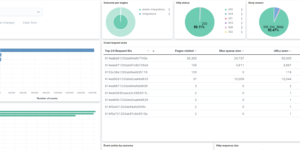
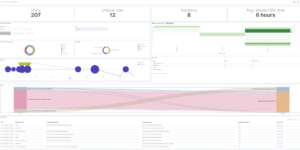
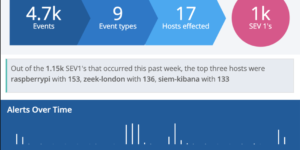
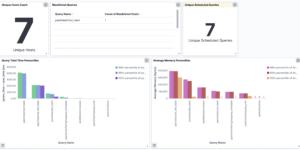
Gain insights into your Microsoft 365 environment with these Kibana dashboards.
Designed to work with the Elastic M365 integration, they provide visualizations for:

  • Exchange Online: Mail traffic, user activity.
  • SharePoint & OneDrive: File operations and user interactions.
  • Teams: Usage and activity metrics.
  • Azure AD: Sign-in logs and audit events.

Contents: Single NDJSON file containing the dashboard objects.

Source: eric-ooi/elastic-m365

Tested versions
ECS compliant

You must log in to submit a review.

Related downloads

Buttons for Kibana dashboards

Link to every content you want within your Kibana dashboards. This example is using links to cloud providers.

Data flow canvas

Average rating:

This canvas examples shows some possibilities of how to visualize data flows. Every flow can be activated / deactivated based on your Elasticsearch data.

Sigma detection rules for proxy server logs

A collection of rules based on the Sigma detection rules for proxy server and web server looks, e.g. zeek or suricata.

Spring Boot Micrometer Dashboard

Monitor Spring Boot applications using Micrometer metrics.

Resource Optimization Dashboard

Elastic Resource Optimization Dashboard to seamlessly integrate APM insights with cloud cost data for actionable resource management and cost-saving strategies

Vega Clock UTC

This is a working clock visualization in UTC time.

These downloads could be also interesting for you

Sigma AWS Cloudtrail Detection rules

A collection of rules based on the Sigma rules for AWS based on the Filebeat AWS module and Elastic agent integration.

Elastic Stack Monitoring Dashboard

Kibana dashboards that is showing the monitoring data collected by Elastics in built monitoring capabilities.

Move to next ILM phase Watcher

This watcher job is moving specific indices based on e.g. disc usage into the next ILM phase.

Data flow canvas

Average rating:

This canvas examples shows some possibilities of how to visualize data flows. Every flow can be activated / deactivated based on your Elasticsearch data.

Vega advanced heat map

Vega example to show GitHub commits per author per hour of day.

Watch to detect large shards

This watch is getting data from the Elasticsearch shards API directly and checking for large shards.