Vega Download overview
Vega is a declarative format for creating, saving, and sharing visualization designs. With Vega, visualizations are described in JSON, and generate interactive views using either HTML5 Canvas or SVG. Using Vega within Kibana enables every user to be a visualization developer. Everyone can build 100% customized visualization on its own. Which can be indeed very powerful. Vega itself provides a lot of examples on how to build all the different styles of visualizations. Those examples can be find at the bottom of the page. However it can still be hard to make it work with your Elasticsearch data within Kibana. Thatswhy this page is offering Vega example downloads that are already equipped with Elasticsearch data. For most of some you don't even need to change anything because its build on ECS. For other examples you may have to change index and field names.
Vega downloads

Kubernetes architecture overview

Vega visualization to show the dependencies between the different Kubernetes components in a single visualization
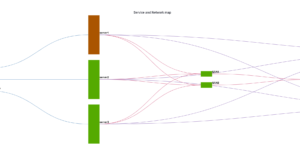
CMDB dependency in Kibana Dashboard
Kibana vega example to show how to load visualize relationships between different infrastructure and network components in vega.
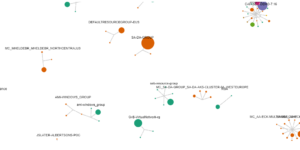
Azure billing data network
A vega visualization that shows the connection between resource group, resource type and the resource itself based on Elastic agent azure billing data integration.
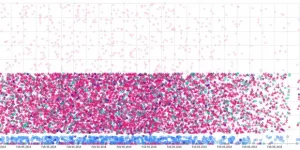


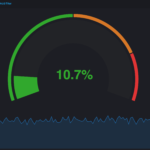
Vega Compound Gauge
This is a compund gauge visualization made with Vega. Its very helpful for visualization of percentage values.

Traffic light using Vega
This traffic light visualizations is build with vega. The thresholds can be defined via values within the document itself.
More about Vega
Download Kibana Vega examples. Vega is a great way of building custom visualizations in Kibana. The power of vega is great but this comes with a higher burden of learning it.
Our Kibana Vega examples show you how others have build useful Vega visualizations.