Description
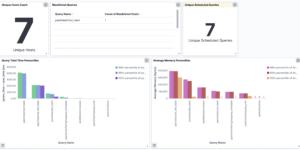
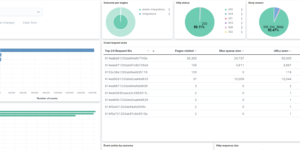
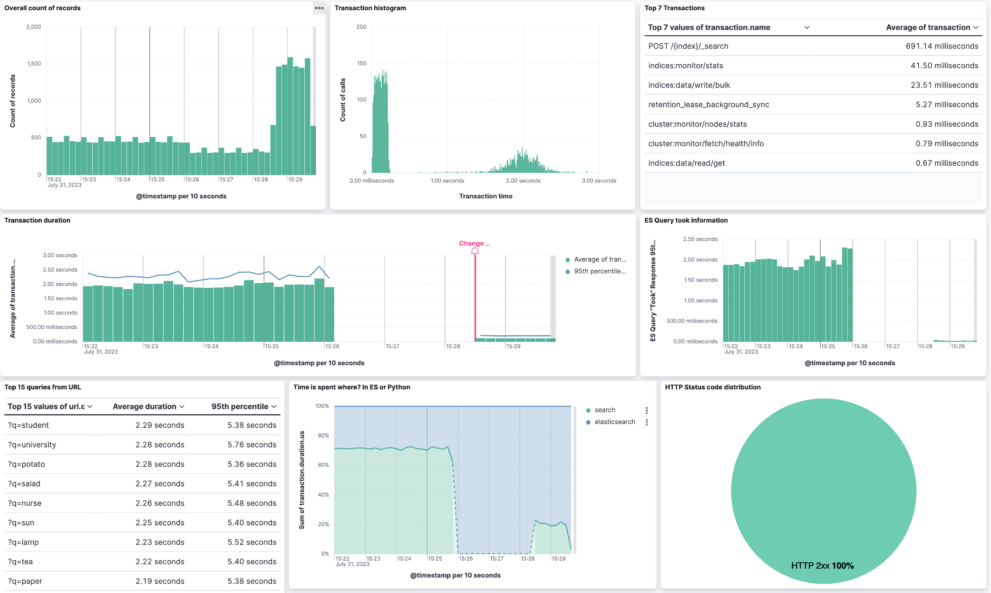
Improve the speed and efficiency of your Elasticsearch queries with the Elasticsearch Performance Troubleshooting Kit. This comprehensive toolkit is designed to help you identify and rectify causes of slow query performance in Elasticsearch. By providing an in-depth analysis of query execution, the kit enables you to pinpoint performance bottlenecks and implement effective solutions.
The toolkit comes equipped with practical guidance on understanding the detailed explanation of query performance, leveraging Elastic’s powerful features for optimizing query speed, and adjusting index strategies to enhance search performance. Dive into common troubleshooting areas such as shard overallocation, mapping explosions, and excessive use of scripts or heavy aggregations that can impede your Elasticsearch operation.
Also included are tips on optimizing your hardware and cluster configuration for peak performance, ensuring your Elasticsearch deployment runs smoothly. With the Elasticsearch Performance Troubleshooting Kit, users from developers to system administrators can gain valuable insights into their search infrastructure, leading to faster response times and a more efficient data search experience.
Download the toolkit now to embark on a path to optimal Elasticsearch performance, reducing latency in your searches and maximizing the overall effectiveness of your data querying capabilities.
Get more detailed info from: https://www.elastic.co/blog/troubleshoot-slow-Elasticsearch-queries
Source
https://github.com/philippkahr/blogs/tree/main/apm-instrumentation-of-elastic-stack
| Tested versions | 8.x |
| ECS compliant | Yes |
You must log in to submit a review.