office-365-dashboard

Description

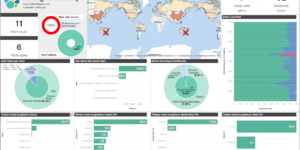
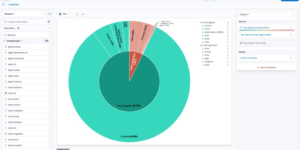
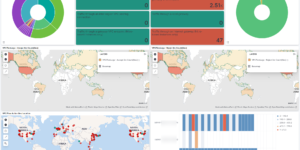
A collection of custom dashboards to give you a holistic view of your Microsoft 365 environment. These dashboards can help you answer the following questions and more:

  • What files are users sharing internally and externally and with who? Are there users uploading or downloading an unusually large amount of data?
  • Who invited or added a guest user? Were they invited through a shared file or added directly through Active Directory?
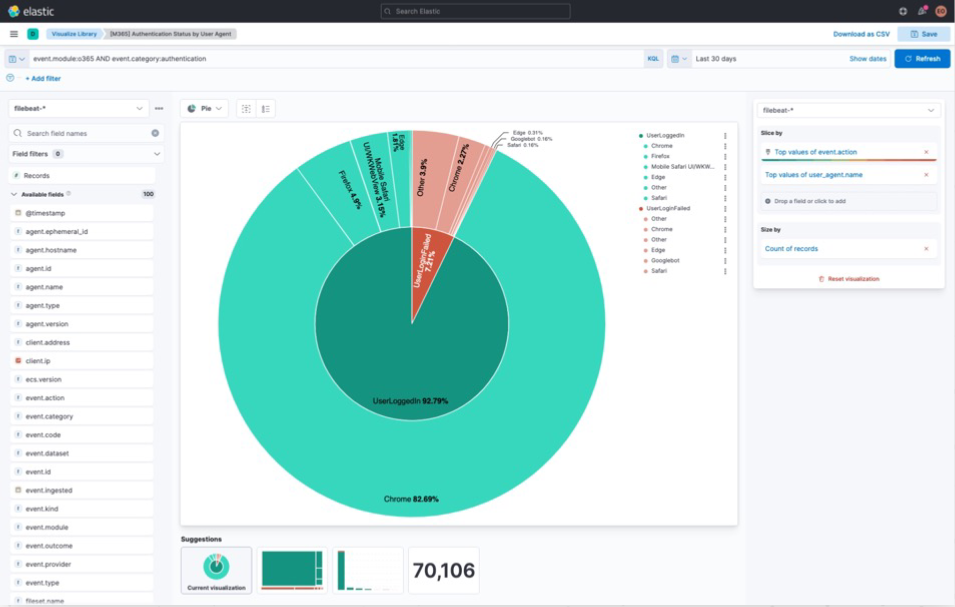
  • Where in the world are users logging in from? Are there suspicious user agents attempting to login?
  • Which users receive the most suspicious mail? Where is this mail coming from?
  • What users does Azure AD consider to be risky and why?

The download includes a couple of Elastic Kibana dashboard as well as runtime field code to improve the data that comes from OOTB Elastic modules. To show the data you need to run the Azure and Office 365 module or Elastic Agent integration.

What is Microsoft Office 365?

Microsoft 365 is the productivity cloud. The complete solution includes  office applications, intelligent cloud services and advanced security. Microsoft Office 365 environments usually containing a lot of important company information. Its very important to observe and protect the usage and the information there.

Source

Originally found at https://github.com/ironvine/elastic-m365

Can also downloaded from Github directly.

Tested versions 7.14, 7.15
ECS compliant Yes

You must log in to submit a review.
Related downloads

RUM extension dashboard

This dashboard provide deeper insight into the real user monitoring data collected by Elastic RUM.

Elastic Cloud Billing data collection and Kibana dashboard

Pulls Elastic Cloud Billing information from the Billing API then sends it to an Elasticsearch cluster and visualizes the results in Kibana dashboards.

Threat detection Kibana dashboard

Kibana dashboard example visualizing the results of the Elastic SIEM detection engine

Filebeat Suricata Canvas dashboard

A Kibana Canvas dashboard example that visualizes suricata logs collected with Filebeat.

Filebeat Log analysis canvas example

This is a simple canvas dashboard example that analyzes logs created by Filebeat.

Watcher History Dashboard

This dashboard shows the history of executed watcher jobs.

These downloads could be also interesting for you

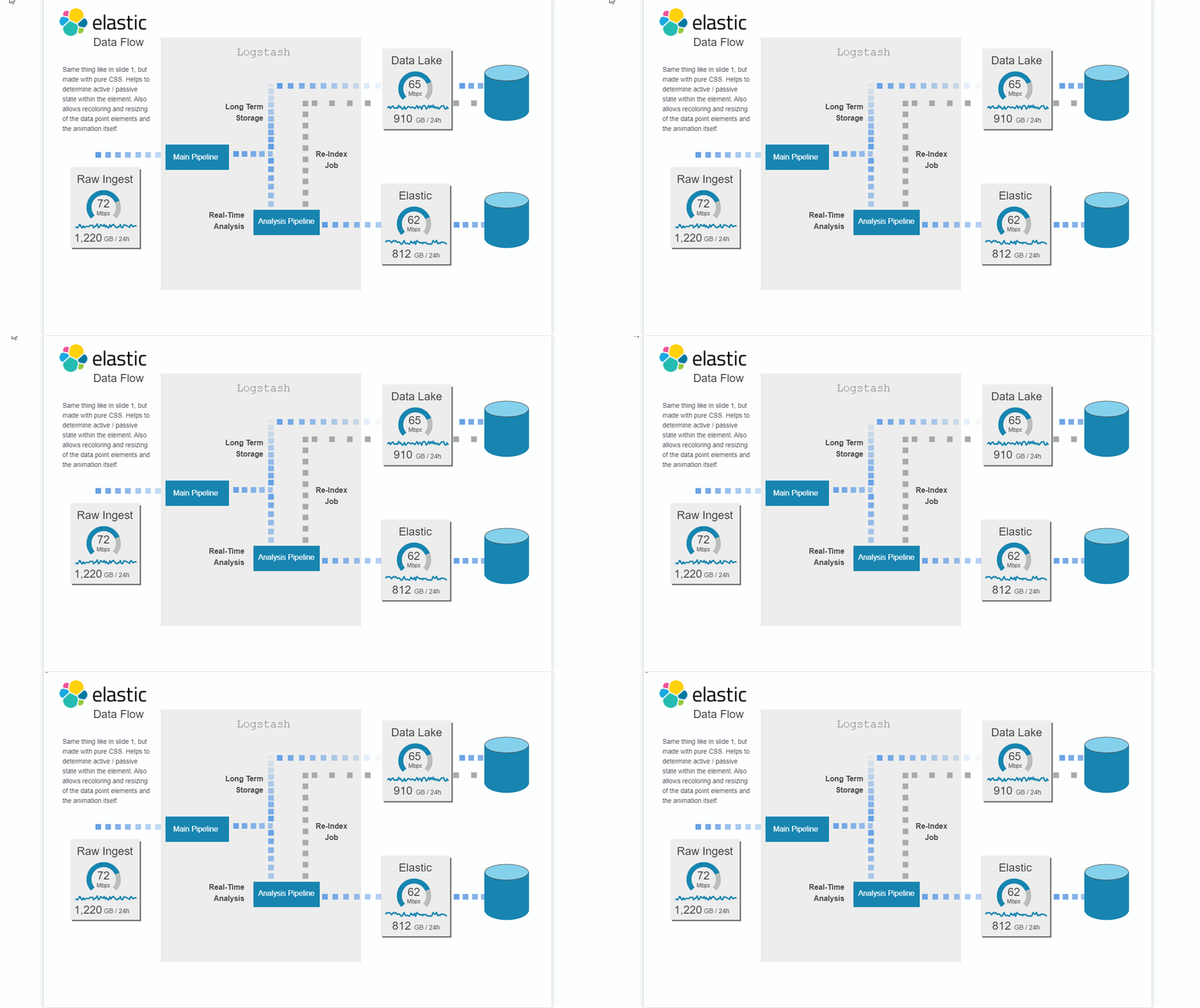
Data flow canvas

Average rating:

This canvas examples shows some possibilities of how to visualize data flows. Every flow can be activated / deactivated based on your Elasticsearch data.

AWS Cloudtrail Monitoring dashboard

Deep insights into AWS Cloudtrail events for SIEM and Monitoring

Office display canvas example

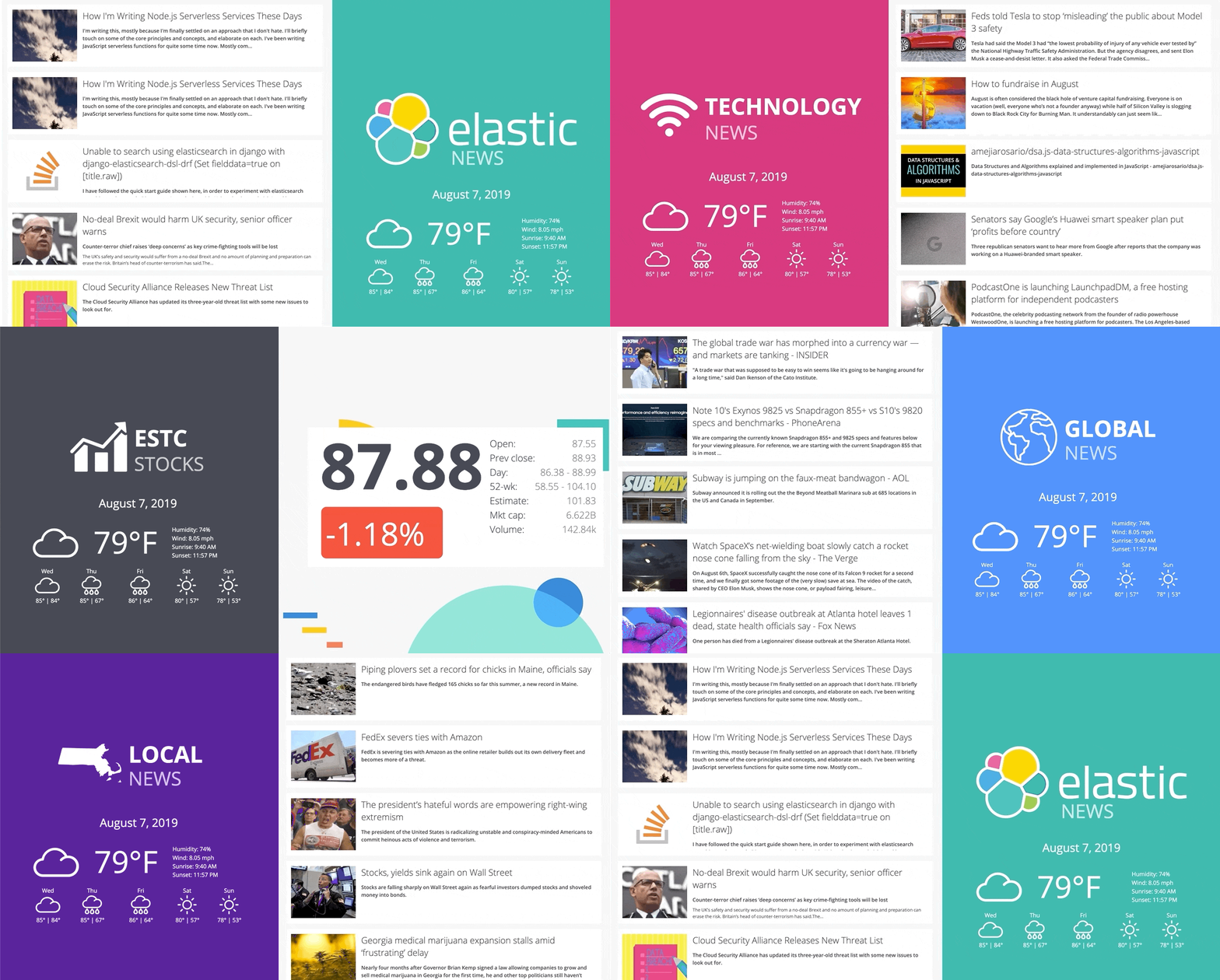
Kibana canvas example showing an office screen with weather, news and stock information

Filebeat Log analysis canvas example

This is a simple canvas dashboard example that analyzes logs created by Filebeat.

Elastic Cloud Billing data collection and Kibana dashboard

Pulls Elastic Cloud Billing information from the Billing API then sends it to an Elasticsearch cluster and visualizes the results in Kibana dashboards.

APM Services overview canvas

Average rating:

An adaptive turn key canvas example based on Elastic APM data.