Elastic Watcher Dashboard

Description

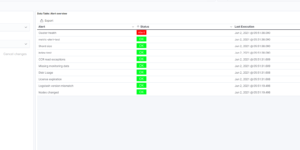
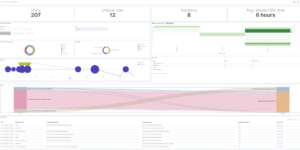
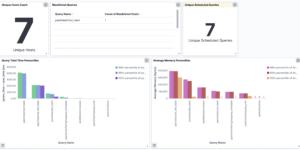
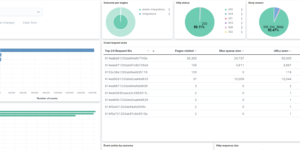
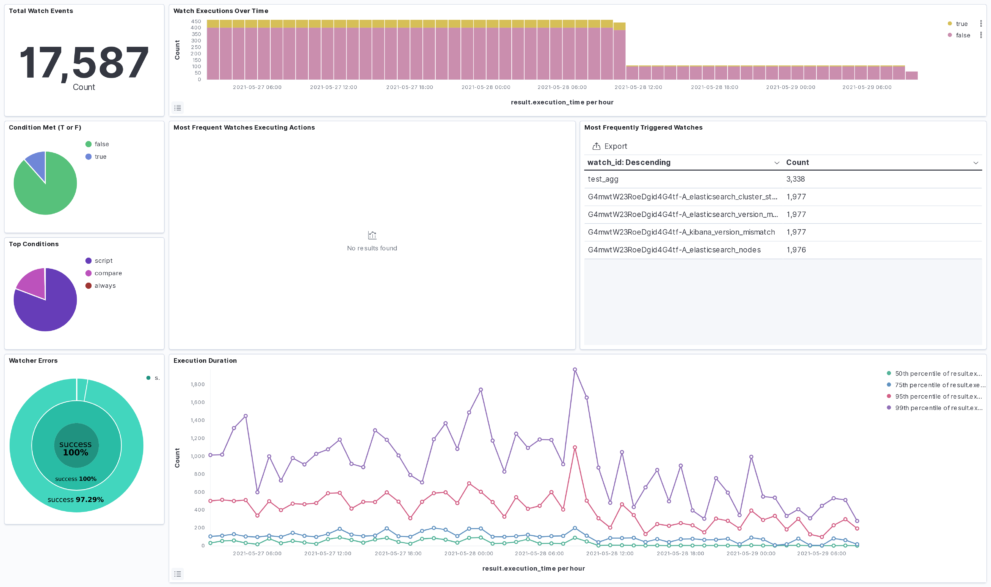
The Watcher History Dashboard shows the history of all the watcher jobs that are configured in your Elasticsearch deployment. This works by taking data from the system watcher history index that is created automatically when you are using watchers.

This is an Kibana example dashboard that can be easily extended based on your own needs. Also have a look into our Watcher job library if you need more information regardings watchers and what you can do with it.

Tested versions 7.12
ECS compliant

You must log in to submit a review.
Related downloads

Kibana alerting enhancement

This bundle enhances the Kibana alerting experience. Storing all relevant information in indices and visualize the data in dashboards.

RUM extension dashboard

This dashboard provide deeper insight into the real user monitoring data collected by Elastic RUM.

Watcher History Dashboard

This dashboard shows the history of executed watcher jobs.

Office 365 dashboards

A collection of Kibana dashboards to provide a holistic view of Microsoft Office 365 environments

Ingest Pipeline Monitoring

This Kibana dashboard can be used monitor your ingest pipelines

osquery performance dashboard

Kibana Dashboard example to visualize osquery performance

These downloads could be also interesting for you

PI Hole Logstash Pipeline and Dashboard

A filter for Logstash parsing PI-Hole logs + Dashboard to visualize the data

Crawler dashboard

A Kibana dashboard that visualizes the result of the crawler from Elastic Enterprise Search

Observability Kibana Dashboard

A single pane of glass dashboard for Logs, Metrics, APM data and business KPIs.

AWS VPCFlow Kibana dashboard

Kibana dashboard for AWS VPCFlow log events

Office display canvas example

Kibana canvas example showing an office screen with weather, news and stock information

Ingest Pipeline Monitoring

This Kibana dashboard can be used monitor your ingest pipelines