Description

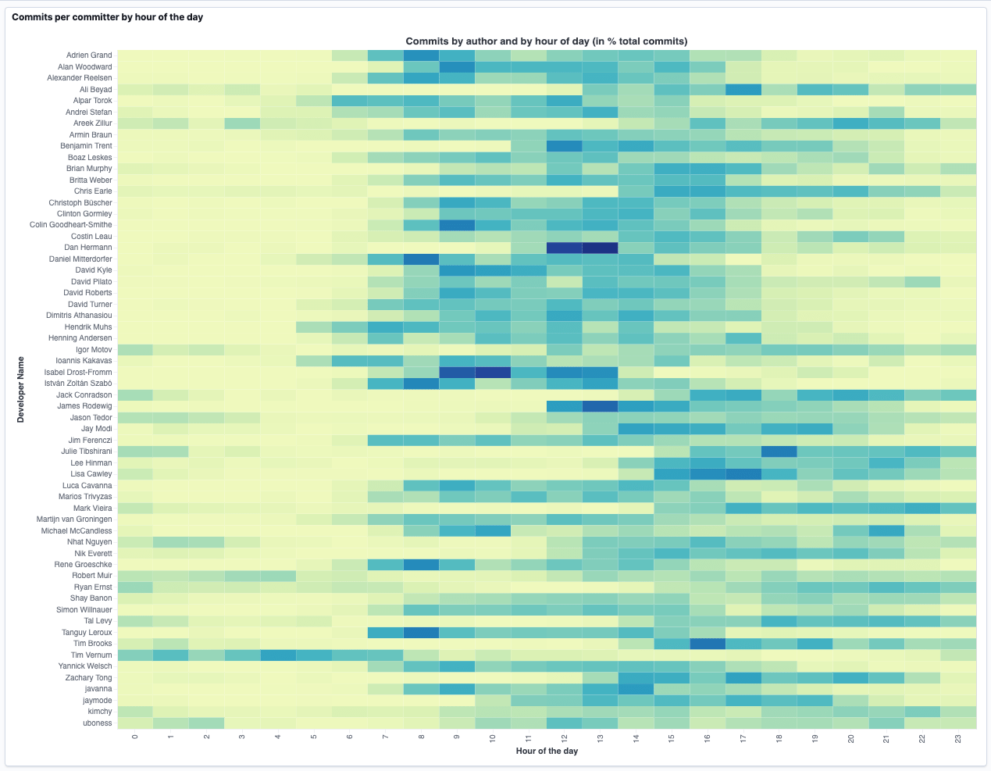
This example visualizes GitHub commit data in an Hour Of Day Vega visualization. This works great to see how different entities contributed to the overall amount of matches. So this can be easily adapted for showing the access of specific sites in comparison to each other.

Source

This visualization was originally found at https://spinscale.de/posts/2021-06-23-using-kibana-vega-for-awesome-visualizations.html

Tested versions 7.13
ECS compliant No

You must log in to submit a review.

Related downloads

Kubernetes architecture overview

Vega visualization to show the dependencies between the different Kubernetes components in a single visualization

Elastic Stack Monitoring Dashboard

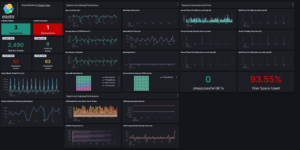
Kibana dashboards that is showing the monitoring data collected by Elastics in built monitoring capabilities.

Kibana Enhanced Table plugin

Data Table visualization with enhanced features like computed columns, pivot table or filter bar

Vega Compound Gauge

This is a compund gauge visualization made with Vega. Its very helpful for visualization of percentage values.

Cloudflare Kibana dashboards

Cloudflare dashboards and ingest pipelines to visualize cloudflare logs

Elastic Cloud Billing data collection and Kibana dashboard

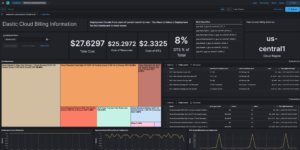
Pulls Elastic Cloud Billing information from the Billing API then sends it to an Elasticsearch cluster and visualizes the results in Kibana dashboards.

These downloads could be also interesting for you

CMDB dependency in Kibana Dashboard

Kibana vega example to show how to load visualize relationships between different infrastructure and network components in vega.

Crawler dashboard

A Kibana dashboard that visualizes the result of the crawler from Elastic Enterprise Search

Buttons for Kibana dashboards

Link to every content you want within your Kibana dashboards. This example is using links to cloud providers.

Data flow canvas

Average rating:

This canvas examples shows some possibilities of how to visualize data flows. Every flow can be activated / deactivated based on your Elasticsearch data.

Sigma Windows inbuilt detection rules

A collection of rules based on the Sigma rules for Windows (inbuilt folder) based on Winlogbeat data .