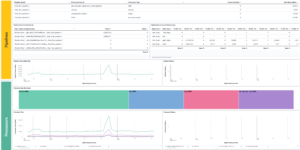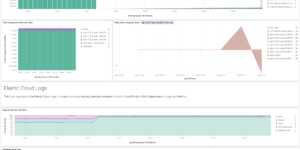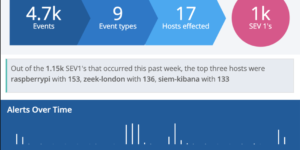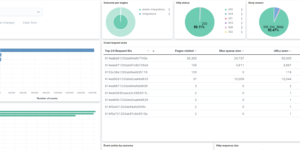
Elastic Stack Monitoring

The Elastic Stack (formerly known as ELK stack) is a very powerful tool for any kind of Search, Monitoring or Security Use Case. Therefore using the stack to monitor itself is a low hanging fruit. The recommended setup is to use the separate Self Monitoring cluster for this purpose.

Elastic comes with a lot of inbuilt monitoring capabilities. The Elastic Agent as well as the Beats do have integrations / modules to collect the necessary data. By using the Elastic Cloud the self monitoring can be activated for any cluster.

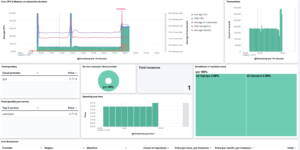
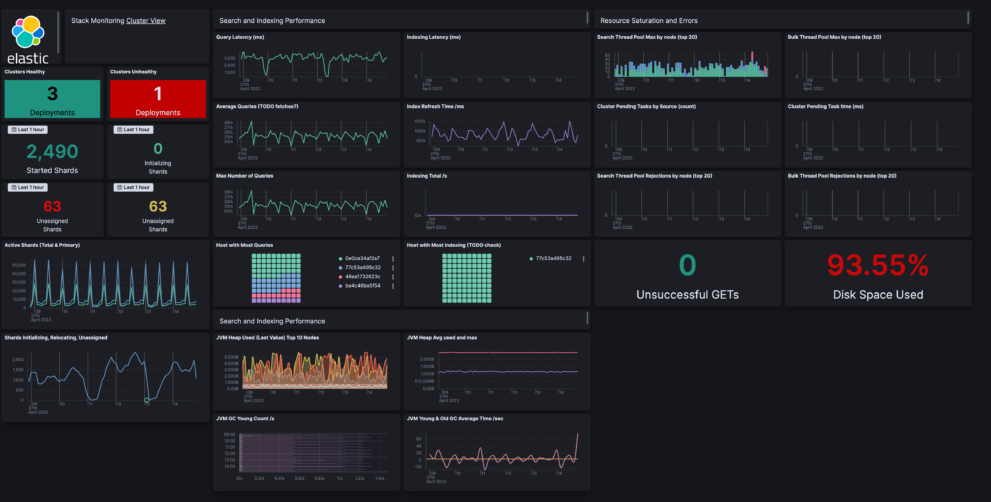
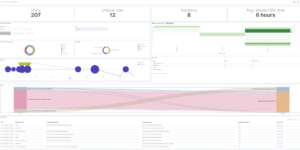
Nevertheless using the inbuilt monitoring app can be very helpful. But if a user has already a separate cluster to monitor the production cluster it makes sense to use all available capabilities also for that. Thats the reason we have Elasticsearch Monitoring dashboards as an extension to the normal behavior like this one.

This Elastic Stack Monitoring Dashboard includes the following components:

  1. Create 2 index patterns / data views
  2. Create 1 transform
  3. Create Dashboard from ndjson file

Source: https://github.com/jeffvestal/elastic-stack-monitoring-dashboard

Tested versions 8.x
ECS compliant Yes

You must log in to submit a review.
Related downloads

Elastic Cloud Billing data collection and Kibana dashboard

Pulls Elastic Cloud Billing information from the Billing API then sends it to an Elasticsearch cluster and visualizes the results in Kibana dashboards.

Vega Scatterplot Kibana visualization

A scatterplot visualization made with Vega Lite for Kibana

Azure billing data network

A vega visualization that shows the connection between resource group, resource type and the resource itself based on Elastic agent azure billing data integration.

Cloudflare Kibana dashboards

Cloudflare dashboards and ingest pipelines to visualize cloudflare logs

Filebeat Log analysis canvas example

This is a simple canvas dashboard example that analyzes logs created by Filebeat.

Vega advanced heat map

Vega example to show GitHub commits per author per hour of day.

These downloads could be also interesting for you

Data flow canvas

Average rating:

This canvas examples shows some possibilities of how to visualize data flows. Every flow can be activated / deactivated based on your Elasticsearch data.

CMDB dependency in Kibana Dashboard

Kibana vega example to show how to load visualize relationships between different infrastructure and network components in vega.

osquery performance dashboard

Kibana Dashboard example to visualize osquery performance

Watcher History Dashboard

This dashboard shows the history of executed watcher jobs.

Filebeat Log analysis canvas example

This is a simple canvas dashboard example that analyzes logs created by Filebeat.