AWS Cloudtrail Dashboard

Description

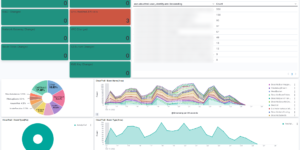
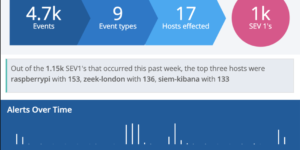
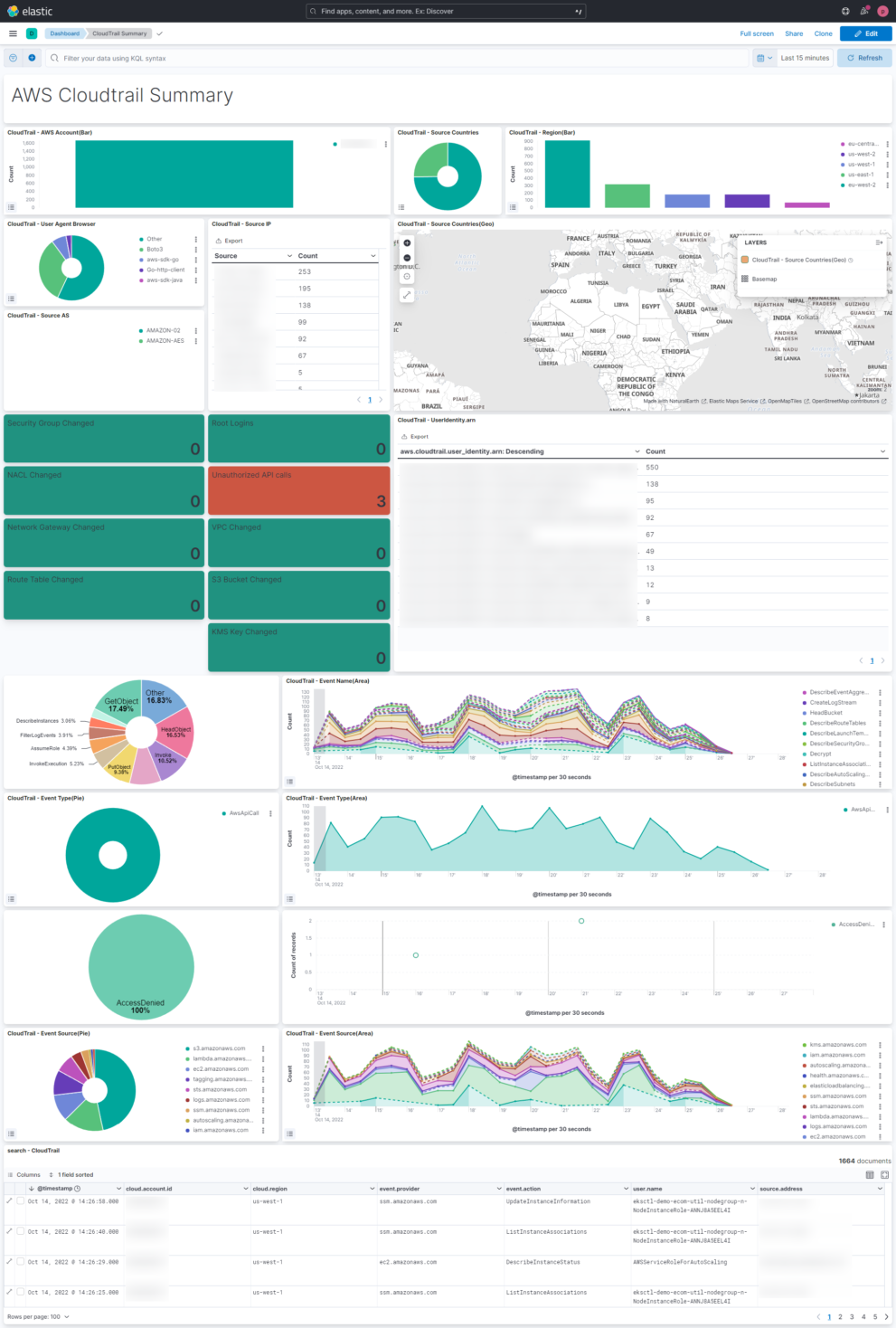
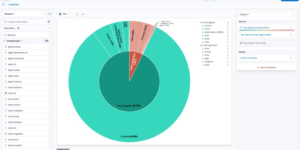
This AWS Cloudtrail Monitoring dashboard brings together all relevant information regarding AWS Cloudtrail. You can see what happens in your Cloud environment on a single dashboard. This helps to understand the AWS Cloudtrail information very easily.

This Kibana dashboard is based on the Elastic Agent integration that is delivered OOTB. The agent integration also includes an out of the box AWS Cloudtrail dashboard. However the dashboard that you can download here is more comprehensive to delivers immediate insights.

What is AWS Cloudtrail?

AWS CloudTrail enables auditing, security monitoring, and operational troubleshooting. CloudTrail records user activity and API calls across AWS services as events. CloudTrail events help you answer the questions of “who did what, where, and when?”

CloudTrail logs can be collected inter regional and from multiple accounts. This makes the adoption very easy. If you want to start without configuring much you can also use this terraform example to monitor all AWS logs and metrics.

With AWS Cloudtrail you can monitor, store, and validate activity events for authenticity. Easily generate audit reports required by internal policies and external regulations.

You also be able to detect unauthorized access using the Who, What, and When information . Respond with the power of Elastic Security to prevent any kind of security issues.

In Elastic you can continuously monitor API usage history using machine learning (ML) models to spot unusual activity in your AWS accounts, and determine root cause.

Tested versions 8.x
ECS compliant Yes

You must log in to submit a review.
Related downloads

Office 365 dashboards

A collection of Kibana dashboards to provide a holistic view of Microsoft Office 365 environments

Sigma detection rules for proxy server logs

A collection of rules based on the Sigma detection rules for proxy server and web server looks, e.g. zeek or suricata.

Sigma Elastic SIEM rules for web server logs

A collection of rules based on the Sigma detection rules for web server looks, e.g. apache, nginx or IIS.

Sigma Windows inbuilt detection rules

A collection of rules based on the Sigma rules for Windows (inbuilt folder) based on Winlogbeat data .

Sigma Zeek Detection rules

A collection of rules based on the Sigma rules for Zeek based on the Filebeat Zeek module.

OpenSIEM Logstash Parsing

Logstash Parsing Configurations for Elastic SIEM parses many different sources into ECS

These downloads could be also interesting for you

Filebeat Suricata Canvas dashboard

A Kibana Canvas dashboard example that visualizes suricata logs collected with Filebeat.

Data flow canvas

Average rating:

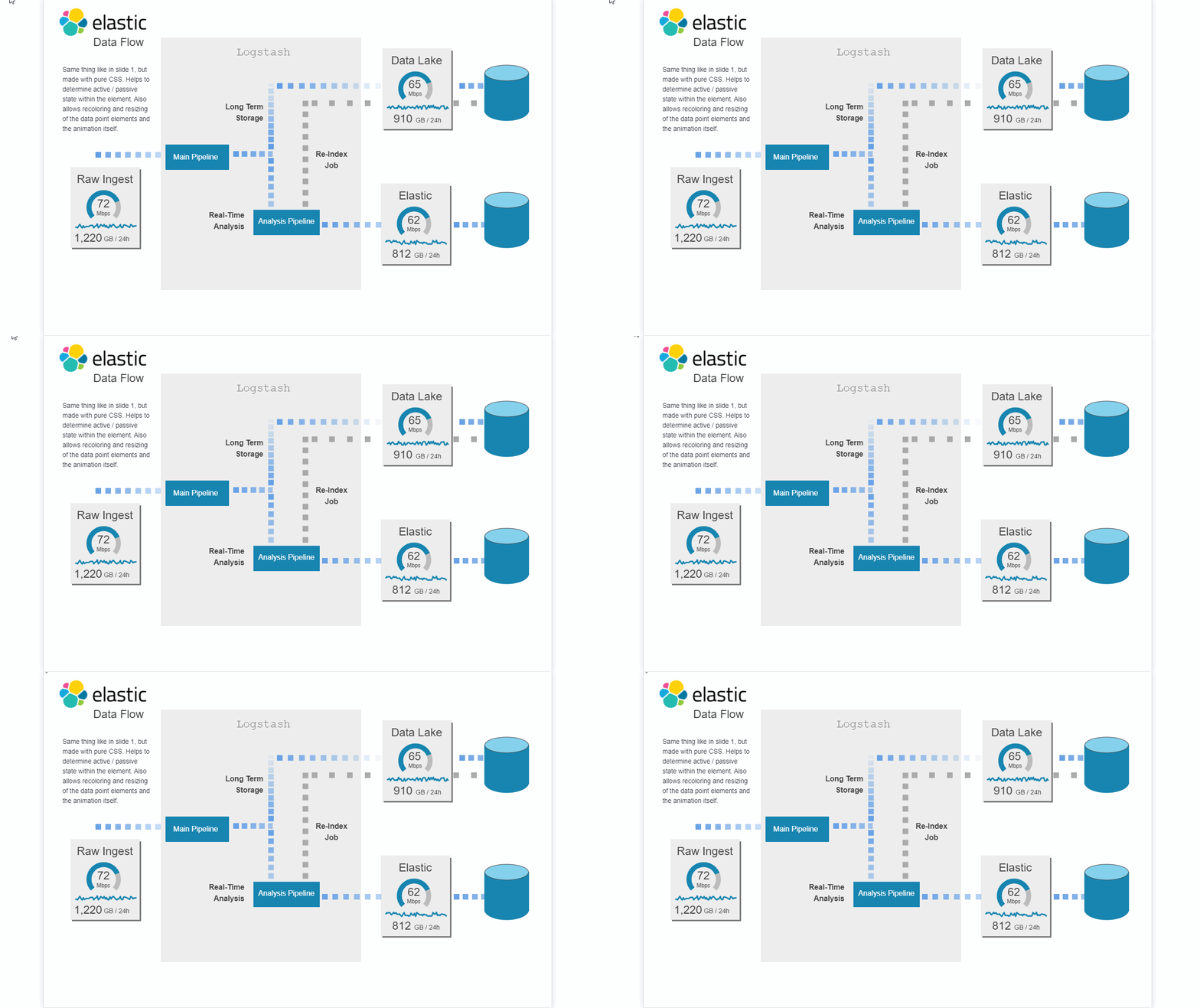
This canvas examples shows some possibilities of how to visualize data flows. Every flow can be activated / deactivated based on your Elasticsearch data.

Observability Kibana Dashboard

A single pane of glass dashboard for Logs, Metrics, APM data and business KPIs.

Office 365 dashboards

A collection of Kibana dashboards to provide a holistic view of Microsoft Office 365 environments

Kibana alerting enhancement

This bundle enhances the Kibana alerting experience. Storing all relevant information in indices and visualize the data in dashboards.

Kubernetes architecture overview

Vega visualization to show the dependencies between the different Kubernetes components in a single visualization