TSVB Buttons

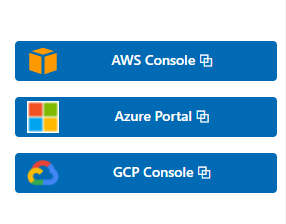
This visualization is an example of how to use buttons within Kibana dashboards. Its using custom CSS to style the buttons like normal Kibana buttons.

Its also using images and other elements for the links. The example is linking to AWS cloud portal, GCP portal and Azure portal. The links can easily be replaced by any link you like.

There are similar CSS styled elements used in our Kibana Observability dashboards.

If you like to link to different content based on the data that is shown in your dashboard its better to use drill downs.

Tested versions 7.x
ECS compliant No

You must log in to submit a review.
Related downloads

Kibana alerting enhancement

This bundle enhances the Kibana alerting experience. Storing all relevant information in indices and visualize the data in dashboards.

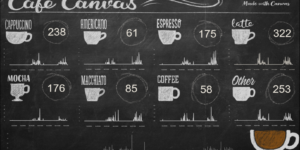
Coffee Canvas Example

Kibana Canvas example infographic to show coffee consumption on a wallboard

Vega Clock UTC

This is a working clock visualization in UTC time.

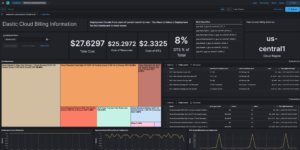
Elastic Cloud Billing data collection and Kibana dashboard

Pulls Elastic Cloud Billing information from the Billing API then sends it to an Elasticsearch cluster and visualizes the results in Kibana dashboards.

Filebeat Suricata Canvas dashboard

A Kibana Canvas dashboard example that visualizes suricata logs collected with Filebeat.

osquery performance dashboard

Kibana Dashboard example to visualize osquery performance

These downloads could be also interesting for you

Elastic Cloud Monitoring dashboard

Kibana dashboard that uses the Elastic Cloud monitoring data to provide better insights into what’s happening in your cloud environment.

Kibana Enhanced Table plugin

Data Table visualization with enhanced features like computed columns, pivot table or filter bar

Cloudflare Kibana dashboards

Cloudflare dashboards and ingest pipelines to visualize cloudflare logs

Vega advanced heat map

Vega example to show GitHub commits per author per hour of day.

Google Cloud Log Ingestion dashboard

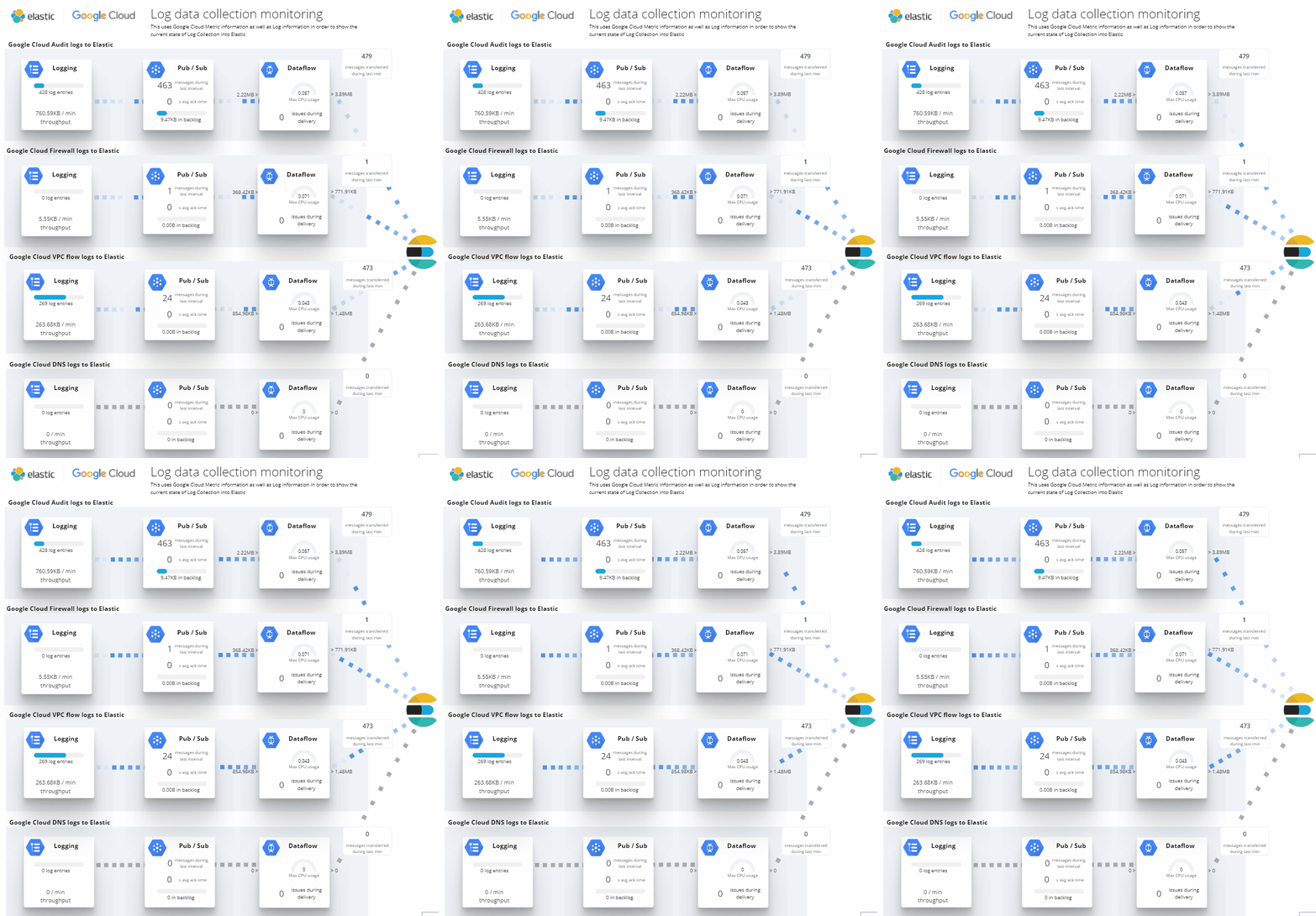
Canvas Board to analyze the log data collection of Google Cloud via Dataflow using the Google Cloud Metric module data