office-365-dashboard

Description

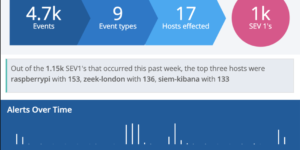
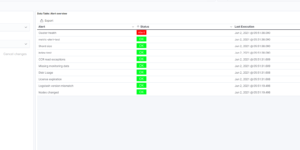
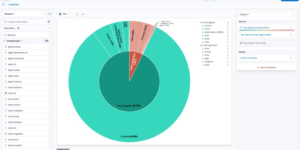
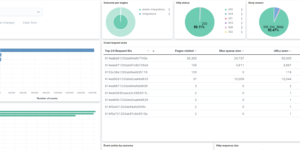
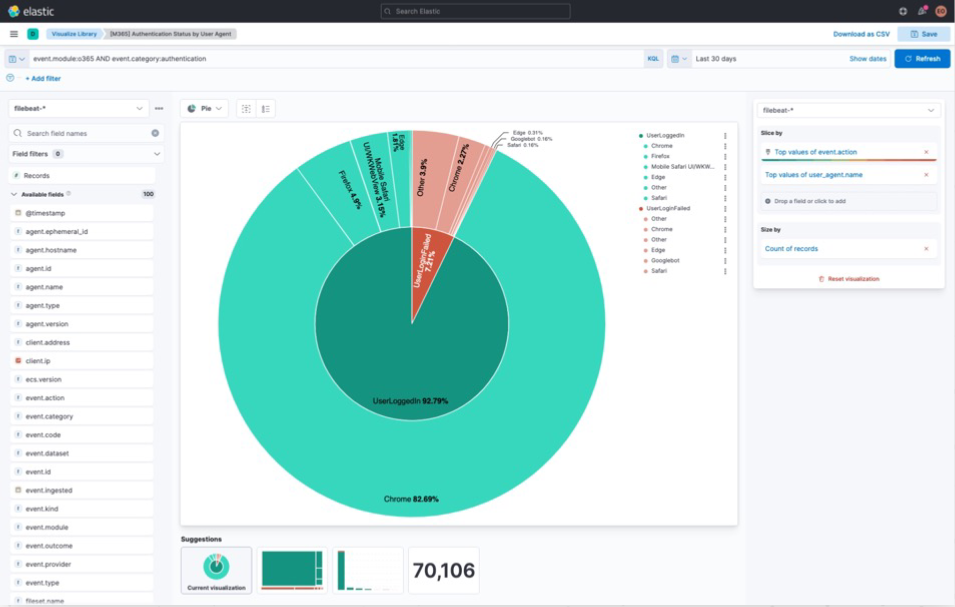
A collection of custom dashboards to give you a holistic view of your Microsoft 365 environment. These dashboards can help you answer the following questions and more:

  • What files are users sharing internally and externally and with who? Are there users uploading or downloading an unusually large amount of data?
  • Who invited or added a guest user? Were they invited through a shared file or added directly through Active Directory?
  • Where in the world are users logging in from? Are there suspicious user agents attempting to login?
  • Which users receive the most suspicious mail? Where is this mail coming from?
  • What users does Azure AD consider to be risky and why?

The download includes a couple of Elastic Kibana dashboard as well as runtime field code to improve the data that comes from OOTB Elastic modules. To show the data you need to run the Azure and Office 365 module or Elastic Agent integration.

What is Microsoft Office 365?

Microsoft 365 is the productivity cloud. The complete solution includes  office applications, intelligent cloud services and advanced security. Microsoft Office 365 environments usually containing a lot of important company information. Its very important to observe and protect the usage and the information there.

Source

Originally found at https://github.com/ironvine/elastic-m365

Can also downloaded from Github directly.

Tested versions 7.14, 7.15
ECS compliant Yes

You must log in to submit a review.
Related downloads

Ingest Pipeline Monitoring

This Kibana dashboard can be used monitor your ingest pipelines

Crawler dashboard

A Kibana dashboard that visualizes the result of the crawler from Elastic Enterprise Search

Ask Me Anything Booth – Canvas Example

This is an example canvas page that shows how to visualize using canvas in general.

Watcher History Dashboard

This dashboard shows the history of executed watcher jobs.

Cloudflare Kibana dashboards

Cloudflare dashboards and ingest pipelines to visualize cloudflare logs

Elasticsearch Performance Troubleshooting Kit

Download the Elasticsearch Performance Troubleshooting Kit to efficiently diagnose and resolve slow query issues in your Elasticsearch environment.

These downloads could be also interesting for you

Data flow canvas

Average rating:

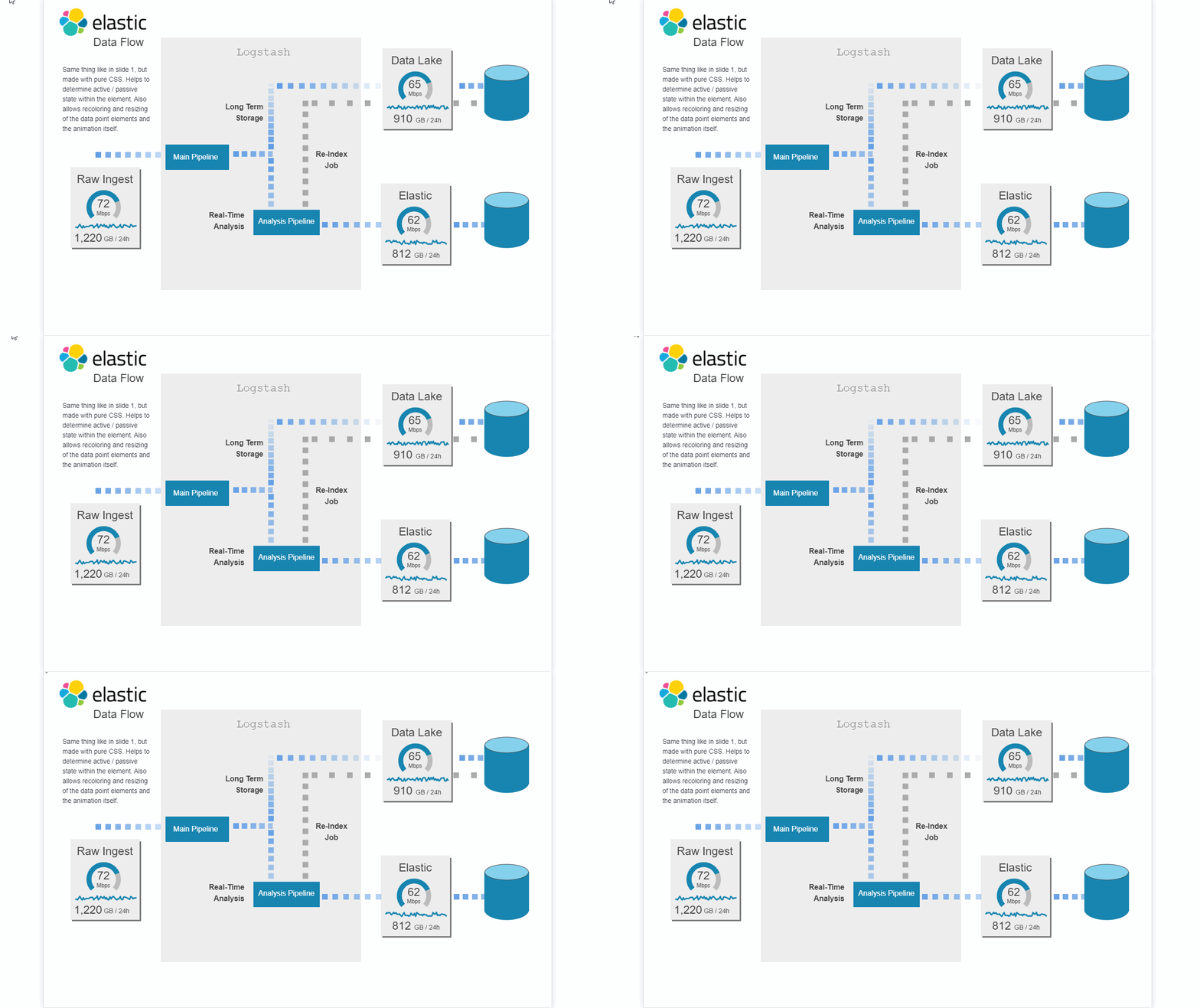
This canvas examples shows some possibilities of how to visualize data flows. Every flow can be activated / deactivated based on your Elasticsearch data.

APM Services overview canvas

Average rating:

An adaptive turn key canvas example based on Elastic APM data.

RUM extension dashboard

This dashboard provide deeper insight into the real user monitoring data collected by Elastic RUM.

Filebeat Suricata Canvas dashboard

A Kibana Canvas dashboard example that visualizes suricata logs collected with Filebeat.

Kibana alerting enhancement

This bundle enhances the Kibana alerting experience. Storing all relevant information in indices and visualize the data in dashboards.

Ingest Pipeline Monitoring

This Kibana dashboard can be used monitor your ingest pipelines