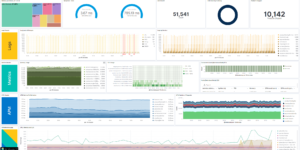
Squid Proxy Access Logs Dashboard

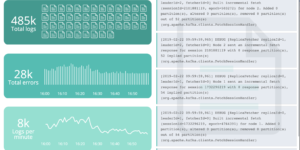
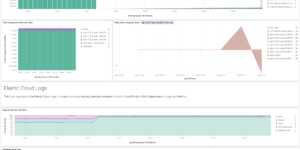
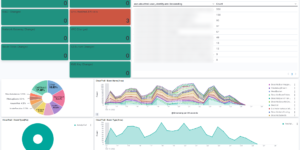
Visualize your Squid Proxy traffic with this dedicated Kibana dashboard.
Tailored for data ingested via Filebeat’s Squid module, it offers insights into:

  • Traffic Volume: Bytes sent/received over time.
  • Top Domains: Most visited websites and domains.
  • Response Codes: HTTP status code distribution (200, 403, 503, etc.).
  • Client Activity: Top source IPs and user agents.

Contents: NDJSON file containing the dashboard and visualizations.

Source: molu8bits/squid-filebeat-kibana

Tested versions
ECS compliant

You must log in to submit a review.

Related downloads

Logstash REST to exec scripts

Make Logstash a REST endpoint that executes scripts or manually adds data in Elasticsearch.

Impossible travel transform job

Impossible travel detection by calculating the distance between two login locations in combination with the time between the two logins

Logstash Meraki Pipeline

Logstash Pipeline to load Meraki logs via Syslog into Elasticsearch

Spring Boot Micrometer Dashboard

Monitor Spring Boot applications using Micrometer metrics.

Sigma Sysmon detection rules

A collection of rules based on the Sigma detection rules for Windows Sysmon events based on Winlogbeat data.

Google Cloud monitoring dashboard

Dashboard to monitor GCP resources using different metrics and logs.

These downloads could be also interesting for you

Microsoft 365 Dashboards for Elastic

Visualize your Microsoft 365 data in Kibana.

Vega Compound Gauge

This is a compund gauge visualization made with Vega. Its very helpful for visualization of percentage values.

Office display canvas example

Kibana canvas example showing an office screen with weather, news and stock information

Elastic Stack Monitoring Dashboard

Kibana dashboards that is showing the monitoring data collected by Elastics in built monitoring capabilities.

Playable Pacman

This is a playable version of pacman made with Vega.