Elastic Watcher Dashboard

Description

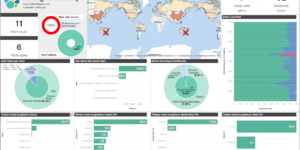
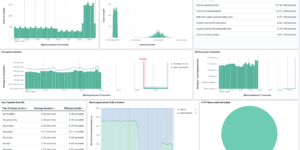
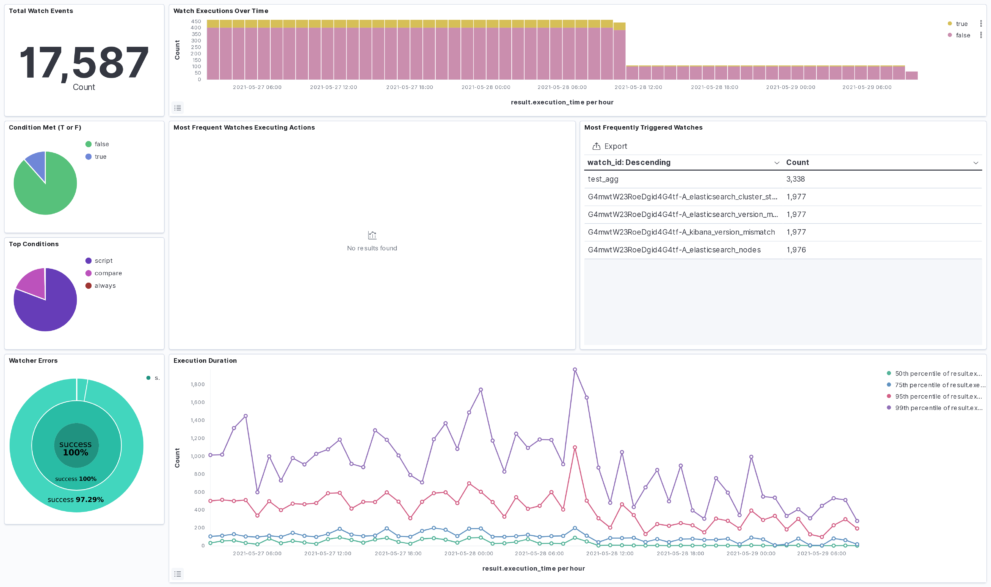
The Watcher History Dashboard shows the history of all the watcher jobs that are configured in your Elasticsearch deployment. This works by taking data from the system watcher history index that is created automatically when you are using watchers.

This is an Kibana example dashboard that can be easily extended based on your own needs. Also have a look into our Watcher job library if you need more information regardings watchers and what you can do with it.

Tested versions 7.12
ECS compliant

You must log in to submit a review.
Related downloads

Detection engine alerts overview dashboard

Average rating:

Kibana Canvas dashboard that shows an aggregated view on the results of the detection engine in Elastic Security.

Elastic Cloud Billing data collection and Kibana dashboard

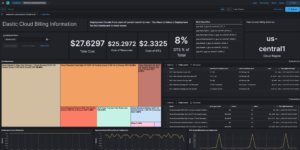
Pulls Elastic Cloud Billing information from the Billing API then sends it to an Elasticsearch cluster and visualizes the results in Kibana dashboards.

Kibana alerting enhancement

This bundle enhances the Kibana alerting experience. Storing all relevant information in indices and visualize the data in dashboards.

Watcher History Dashboard

This dashboard shows the history of executed watcher jobs.

Crawler dashboard

A Kibana dashboard that visualizes the result of the crawler from Elastic Enterprise Search

PI Hole Logstash Pipeline and Dashboard

A filter for Logstash parsing PI-Hole logs + Dashboard to visualize the data

These downloads could be also interesting for you

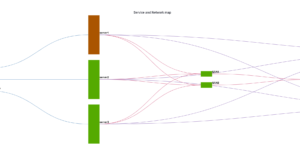
CMDB dependency in Kibana Dashboard

Kibana vega example to show how to load visualize relationships between different infrastructure and network components in vega.

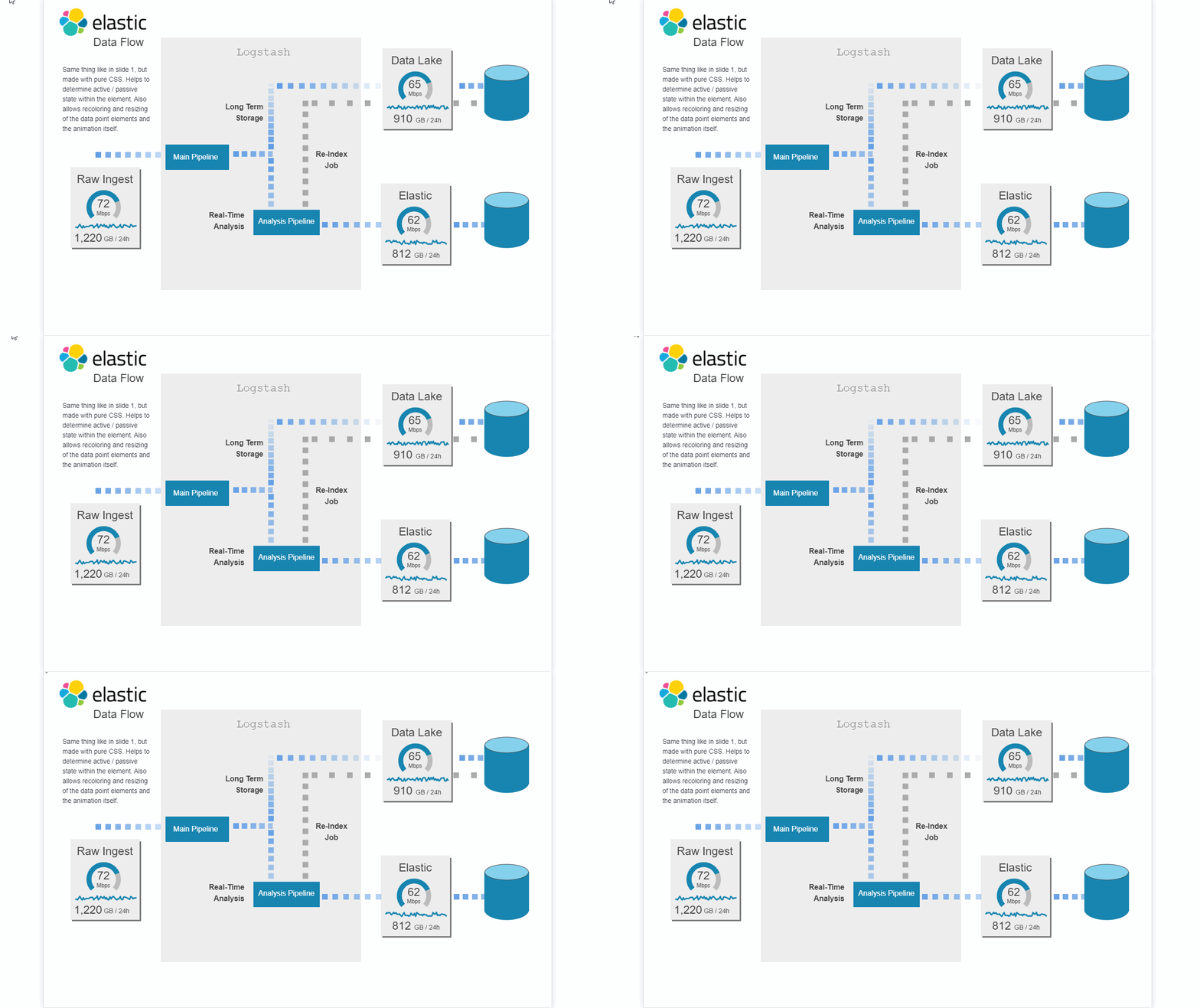
Data flow canvas

Average rating:

This canvas examples shows some possibilities of how to visualize data flows. Every flow can be activated / deactivated based on your Elasticsearch data.

Watcher History Dashboard

This dashboard shows the history of executed watcher jobs.

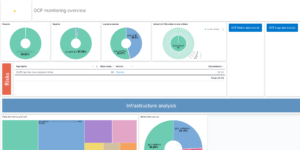
Google Cloud monitoring dashboard

Dashboard to monitor GCP resources using different metrics and logs.

Elasticsearch Performance Troubleshooting Kit

Download the Elasticsearch Performance Troubleshooting Kit to efficiently diagnose and resolve slow query issues in your Elasticsearch environment.

Filebeat Log analysis canvas example

This is a simple canvas dashboard example that analyzes logs created by Filebeat.