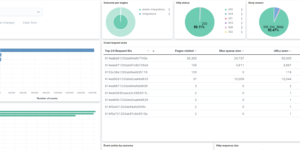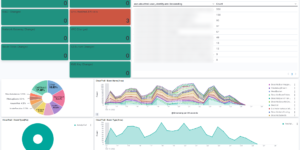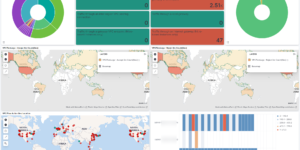
Elastic Cloud dashboard

Description

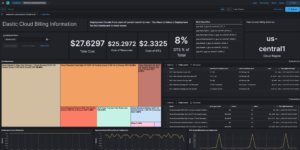
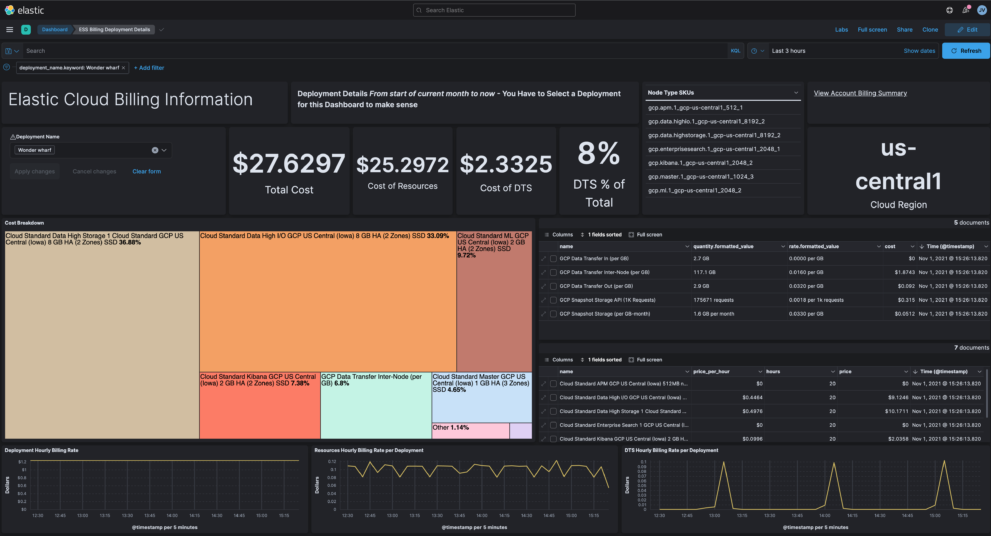
This download is visualizing billing information from Elastic Cloud in your Elastic Stack deployment. Its the ideal way to extend your monitoring cluster. The Elastic Cloud billing information including data about how much you spend per resource, cluster and or environment.

Depending on the section, info can include:

  • costs
    • total costs
    • hourly rate
    • DTS
  • resources
    • node type breakdown

You can find more information about the data that gets collected in the Elastic documentation. To collect the information you can use the script that is part of the source for this download. You can find that here.

Using the Elastic Cloud billing information you can analyse your costs and maybe find ways to reduce it.

Source

Originally found at GitHub: https://github.com/jeffvestal/ess-billing-ingest

Tested versions 7.15
ECS compliant No

You must log in to submit a review.
Related downloads

Filebeat Log analysis canvas example

This is a simple canvas dashboard example that analyzes logs created by Filebeat.

Azure billing data network

A vega visualization that shows the connection between resource group, resource type and the resource itself based on Elastic agent azure billing data integration.

Ask Me Anything Booth – Canvas Example

This is an example canvas page that shows how to visualize using canvas in general.

osquery performance dashboard

Kibana Dashboard example to visualize osquery performance

PI Hole Logstash Pipeline and Dashboard

A filter for Logstash parsing PI-Hole logs + Dashboard to visualize the data

Office display canvas example

Kibana canvas example showing an office screen with weather, news and stock information

These downloads could be also interesting for you

Watcher History Dashboard

This dashboard shows the history of executed watcher jobs.

Office display canvas example

Kibana canvas example showing an office screen with weather, news and stock information

Data flow canvas

Average rating:

This canvas examples shows some possibilities of how to visualize data flows. Every flow can be activated / deactivated based on your Elasticsearch data.

Ingest Pipeline Monitoring

This Kibana dashboard can be used monitor your ingest pipelines

Timetable canvas

This canvas examples shows timetable data from trains. Its build based on the real world information panel in german trian stations. Its refreshing based on current time.

Elastic Stack Monitoring Dashboard

Kibana dashboards that is showing the monitoring data collected by Elastics in built monitoring capabilities.