Postfix Mail Server Dashboard

Keep an eye on your Postfix mail server performance and security.
This dashboard set helps you visualize:

  • Mail Flow: Incoming vs. outgoing volume.
  • Rejections: Blocked emails, spam attempts, and policy violations.
  • Errors: SMTP errors and connection issues.
  • Geography: Source and destination maps for mail traffic.

Contents: ‘api-combined.ndjson’ containing all necessary saved objects.

Source: ActionScripted/elastic-kibana-postfix

Tested versions
ECS compliant

You must log in to submit a review.

Related downloads

osquery performance dashboard

Kibana Dashboard example to visualize osquery performance

Buttons for Kibana dashboards

Link to every content you want within your Kibana dashboards. This example is using links to cloud providers.

RUM extension dashboard

This dashboard provide deeper insight into the real user monitoring data collected by Elastic RUM.

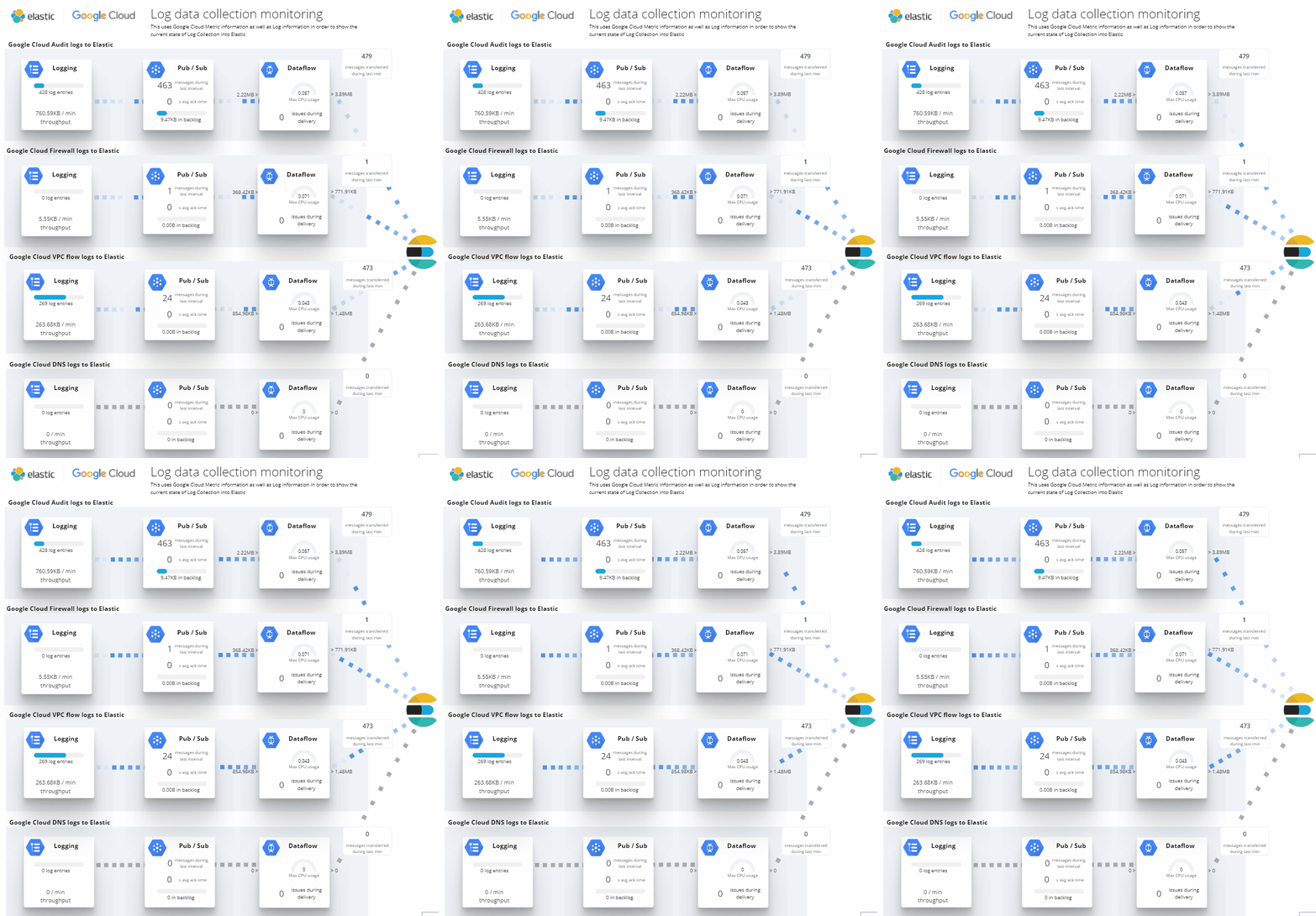
Google Cloud monitoring dashboard

Dashboard to monitor GCP resources using different metrics and logs.

Terraform Elasticsearch environments

Terraform example scripts to deploy Elastic Cloud Clusters + all necessary components in AWS and GCP

APM Services overview canvas

Average rating:

An adaptive turn key canvas example based on Elastic APM data.

These downloads could be also interesting for you

Impossible travel transform job

Impossible travel detection by calculating the distance between two login locations in combination with the time between the two logins

Microsoft 365 Dashboards for Elastic

Visualize your Microsoft 365 data in Kibana.

Filebeat Log analysis canvas example

This is a simple canvas dashboard example that analyzes logs created by Filebeat.

Squid Proxy Access Logs Dashboard

Analyze Squid Proxy access logs ingested via Filebeat.

Kibana alerting enhancement

This bundle enhances the Kibana alerting experience. Storing all relevant information in indices and visualize the data in dashboards.

Data flow canvas

Average rating:

This canvas examples shows some possibilities of how to visualize data flows. Every flow can be activated / deactivated based on your Elasticsearch data.