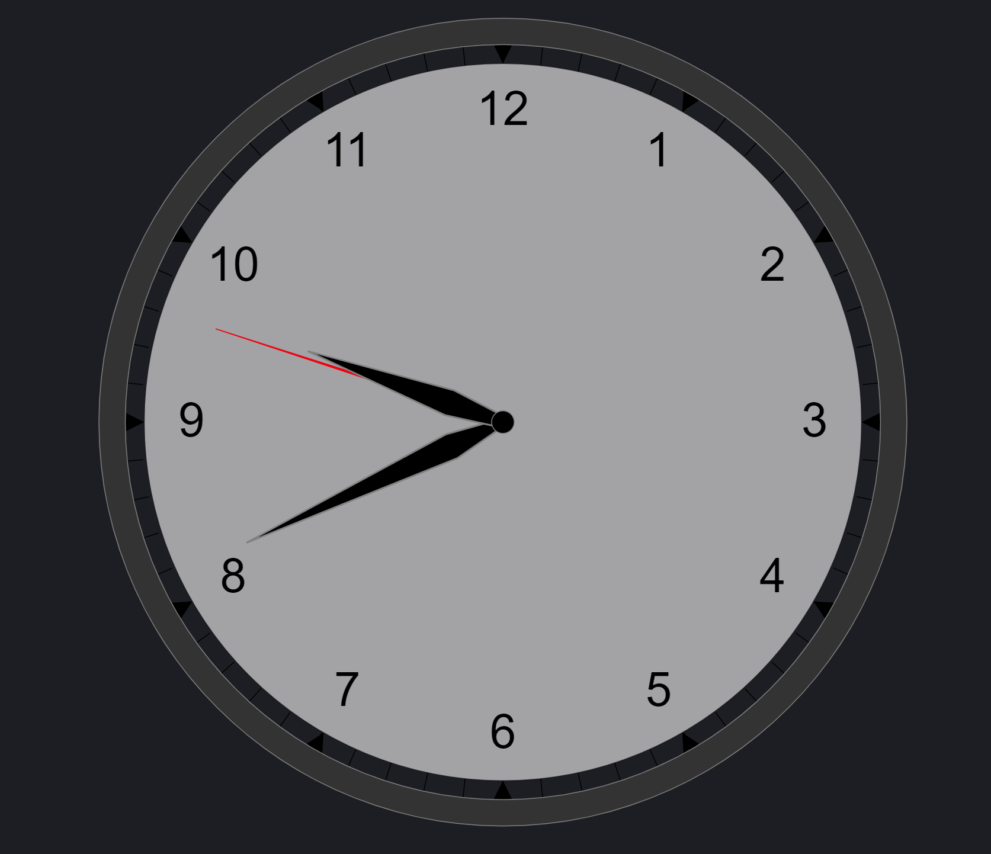
vega clock

Description

Use this clock visualization to compare different timezone within your dashboard. This helps to get better understanding of different time all around the globe. 

This visualization is build with Kibana Vega and can be used in your Kibana Dashboards or in Canvas.

Tested versions 7.x
ECS compliant

You must log in to submit a review.
Related downloads

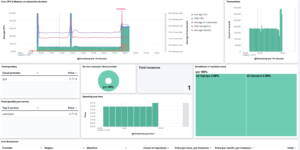
Resource Optimization Dashboard

Elastic Resource Optimization Dashboard to seamlessly integrate APM insights with cloud cost data for actionable resource management and cost-saving strategies

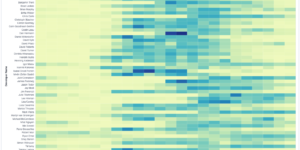
Vega advanced heat map

Vega example to show GitHub commits per author per hour of day.

CMDB dependency in Kibana Dashboard

Kibana vega example to show how to load visualize relationships between different infrastructure and network components in vega.

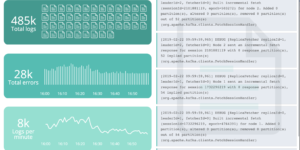
Filebeat Log analysis canvas example

This is a simple canvas dashboard example that analyzes logs created by Filebeat.

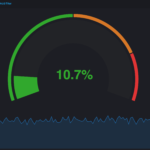
Vega Compound Gauge

This is a compund gauge visualization made with Vega. Its very helpful for visualization of percentage values.

APM Services overview canvas

Average rating:

An adaptive turn key canvas example based on Elastic APM data.

These downloads could be also interesting for you

Elastic Cloud Monitoring dashboard

Kibana dashboard that uses the Elastic Cloud monitoring data to provide better insights into what’s happening in your cloud environment.

Google Cloud Log Ingestion dashboard

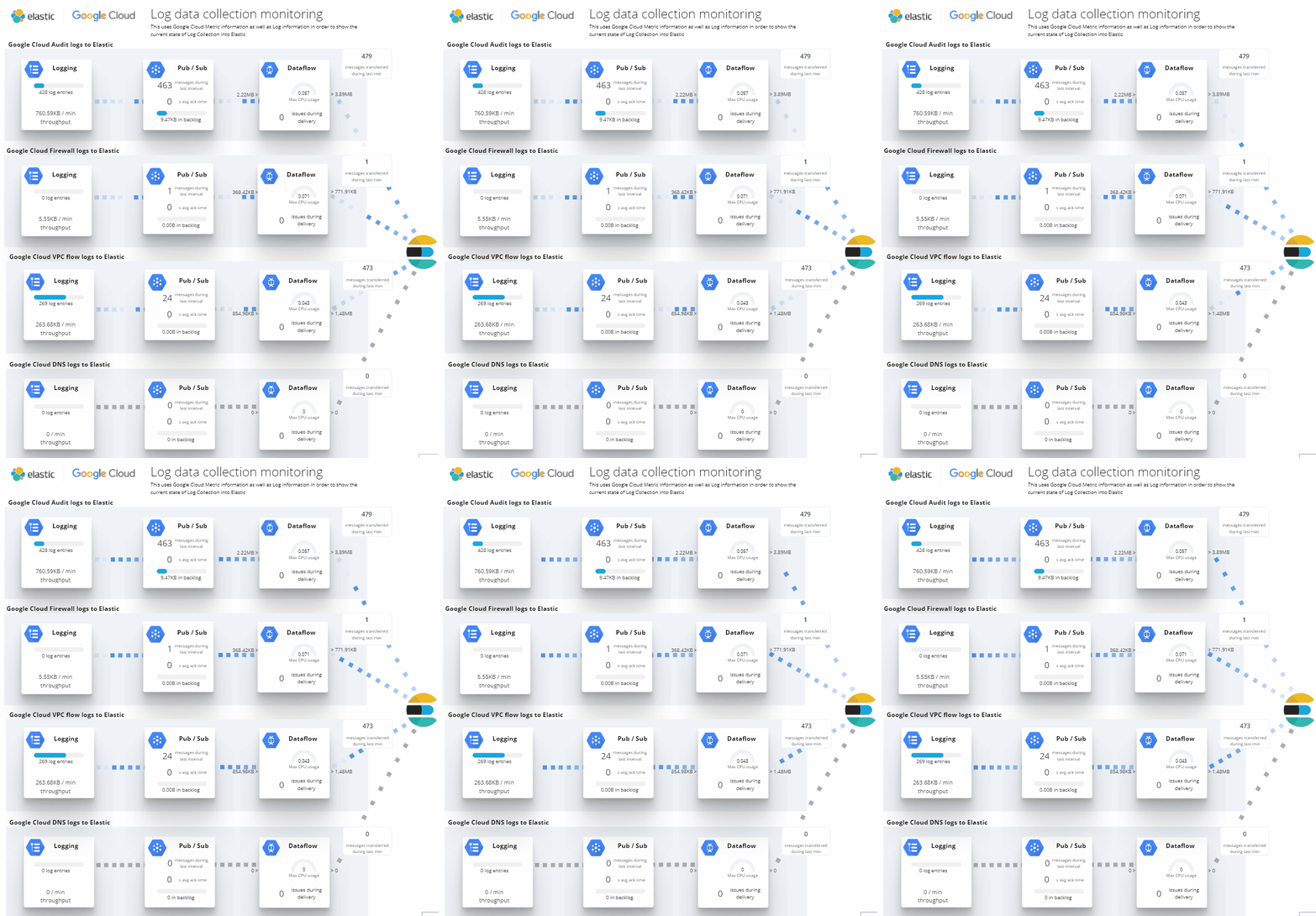
Canvas Board to analyze the log data collection of Google Cloud via Dataflow using the Google Cloud Metric module data

CMDB dependency in Kibana Dashboard

Kibana vega example to show how to load visualize relationships between different infrastructure and network components in vega.

Lens Conversion Rate

Lens conversion rate for RUM data using Lens Formulas

Timetable canvas

This canvas examples shows timetable data from trains. Its build based on the real world information panel in german trian stations. Its refreshing based on current time.