vega clock

Description

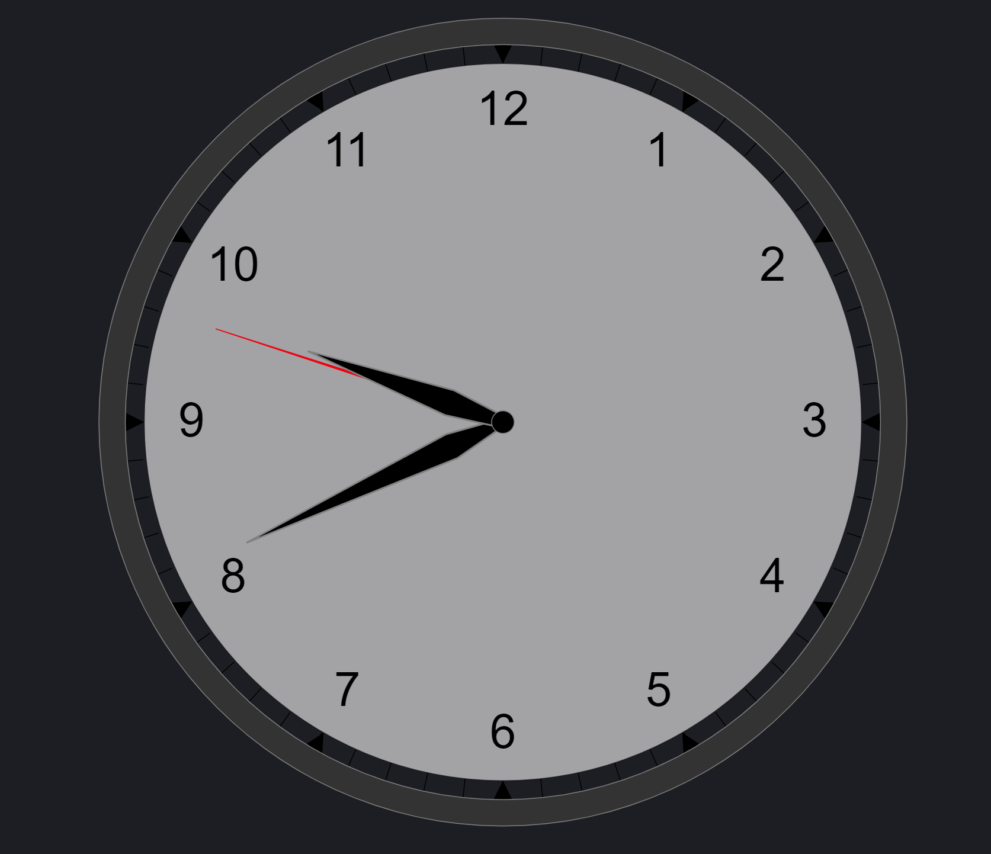
Use this clock visualization to compare different timezone within your dashboard. This helps to get better understanding of different time all around the globe. 

This visualization is build with Kibana Vega and can be used in your Kibana Dashboards or in Canvas.

Tested versions 7.x
ECS compliant

You must log in to submit a review.

Related downloads

Ask Me Anything Booth – Canvas Example

This is an example canvas page that shows how to visualize using canvas in general.

Vega advanced heat map

Vega example to show GitHub commits per author per hour of day.

CMDB dependency in Kibana Dashboard

Kibana vega example to show how to load visualize relationships between different infrastructure and network components in vega.

Elastic Stack Monitoring Dashboard

Kibana dashboards that is showing the monitoring data collected by Elastics in built monitoring capabilities.

Ingest Pipeline Monitoring

This Kibana dashboard can be used monitor your ingest pipelines

These downloads could be also interesting for you

Filebeat Log analysis canvas example

This is a simple canvas dashboard example that analyzes logs created by Filebeat.

Sigma AWS Cloudtrail Detection rules

A collection of rules based on the Sigma rules for AWS based on the Filebeat AWS module and Elastic agent integration.

Elastic Cloud Billing data collection and Kibana dashboard

Pulls Elastic Cloud Billing information from the Billing API then sends it to an Elasticsearch cluster and visualizes the results in Kibana dashboards.

Sigma Windows inbuilt detection rules

A collection of rules based on the Sigma rules for Windows (inbuilt folder) based on Winlogbeat data .

Ingest Pipeline Monitoring

This Kibana dashboard can be used monitor your ingest pipelines

Sigma Elastic SIEM rules for web server logs

A collection of rules based on the Sigma detection rules for web server looks, e.g. apache, nginx or IIS.