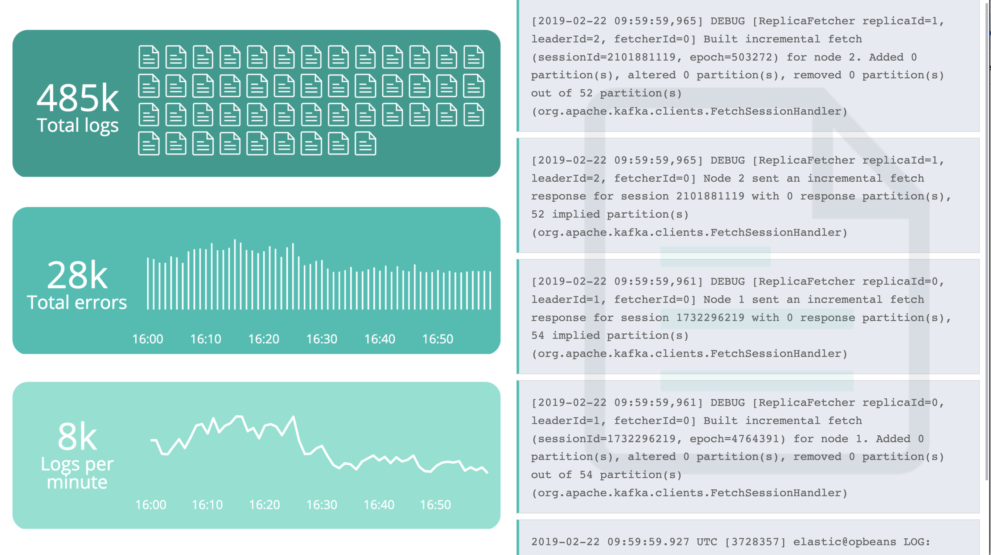
Filebeat log analysis dashboard

Description

Using the Elastic Stack ( or formerly known as ELK stack) for log analysis is very common. Many people using the ELK stack for log centralization, log aggregation and log collection use cases because its easy, scalable and the users can start for free.

Also you have a centralized view built for infrastructure operations, all logs flowing in from servers, virtual machines, and containers are kept in sync. Fix structured fields such as IP or event type, and browse related logs without leaving the current screen. Dive into the Logs application in Kibana and get a console-like experience in all logs-real-time streaming.

However sometimes it useful to build your own view into the log data. That where Kibana dashboards and Canvas boards can help you. The Elastic Stack offers many pre built Kibana dashboards for Logs within their Filebeat modules. While this is great it’s also cool to have a look into the data using Canvas.

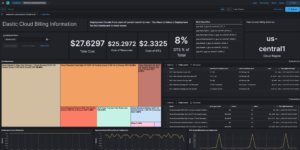
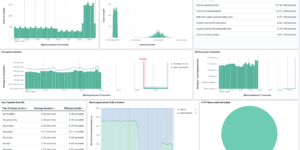
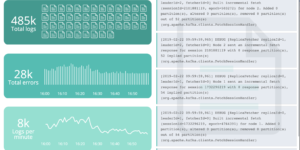
This Kibana canvas dashboard is visualizing the Filebeat logs in Kibana. You only need to upload it into your ELK cluster.

Source

This dashboard was found here: https://github.com/alexfrancoeur/kibana_canvas_examples

Tested versions 7.x
ECS compliant

You must log in to submit a review.
Related downloads

Detection engine alerts overview dashboard

Average rating:

Kibana Canvas dashboard that shows an aggregated view on the results of the detection engine in Elastic Security.

Elasticsearch Performance Troubleshooting Kit

Download the Elasticsearch Performance Troubleshooting Kit to efficiently diagnose and resolve slow query issues in your Elasticsearch environment.

Ingest Pipeline Monitoring

This Kibana dashboard can be used monitor your ingest pipelines

osquery performance dashboard

Kibana Dashboard example to visualize osquery performance

Office 365 dashboards

A collection of Kibana dashboards to provide a holistic view of Microsoft Office 365 environments

Filebeat Suricata Canvas dashboard

A Kibana Canvas dashboard example that visualizes suricata logs collected with Filebeat.

These downloads could be also interesting for you

Kibana Canvas examples collection

Average rating:

A collection of canvas examples, like using conditionals, creating buttons, animations or context menues. Just copy paste into your Kibana Canvas project.

Filebeat Suricata Canvas dashboard

A Kibana Canvas dashboard example that visualizes suricata logs collected with Filebeat.

Timetable canvas

This canvas examples shows timetable data from trains. Its build based on the real world information panel in german trian stations. Its refreshing based on current time.

Office display canvas example

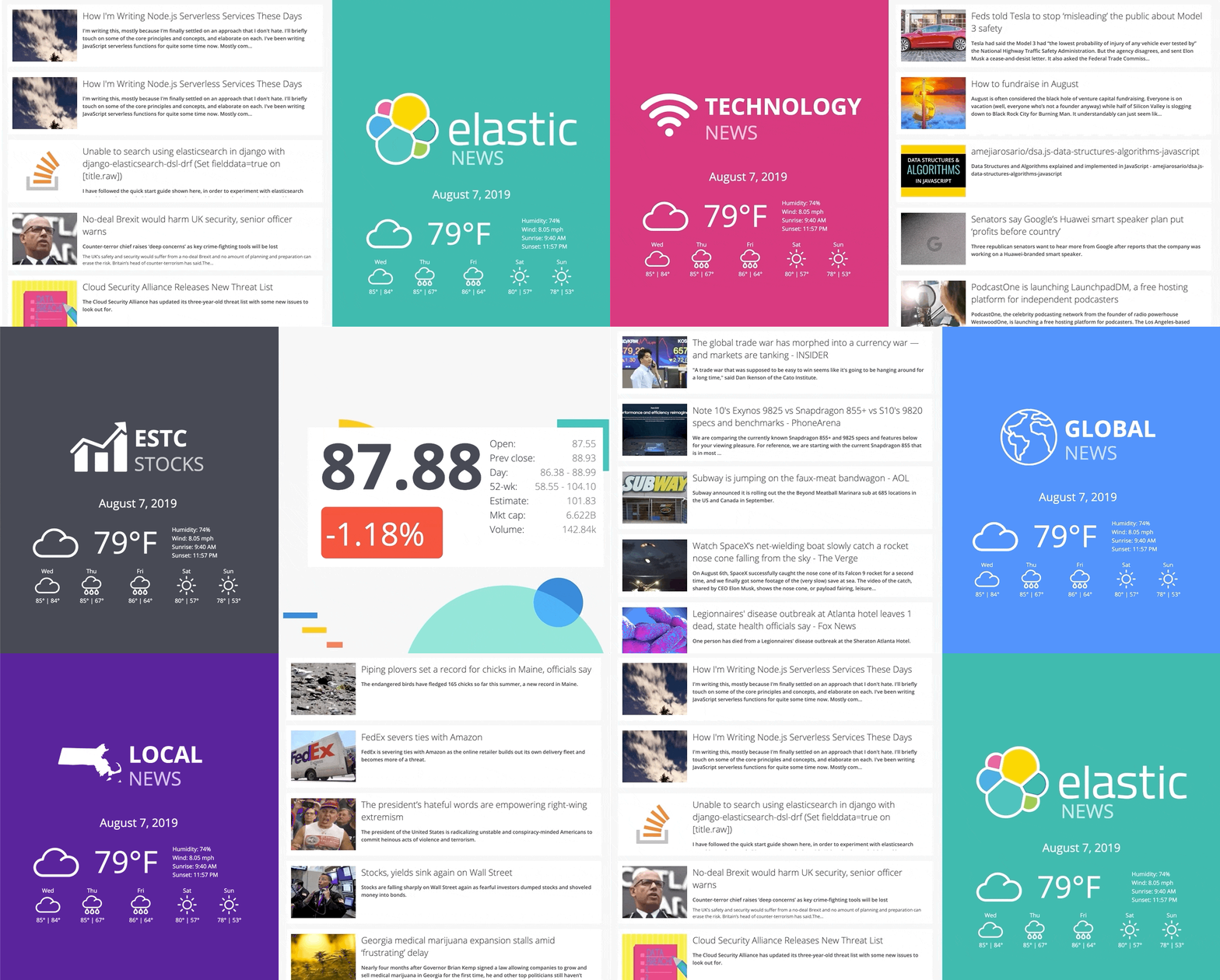
Kibana canvas example showing an office screen with weather, news and stock information

Data flow canvas

Average rating:

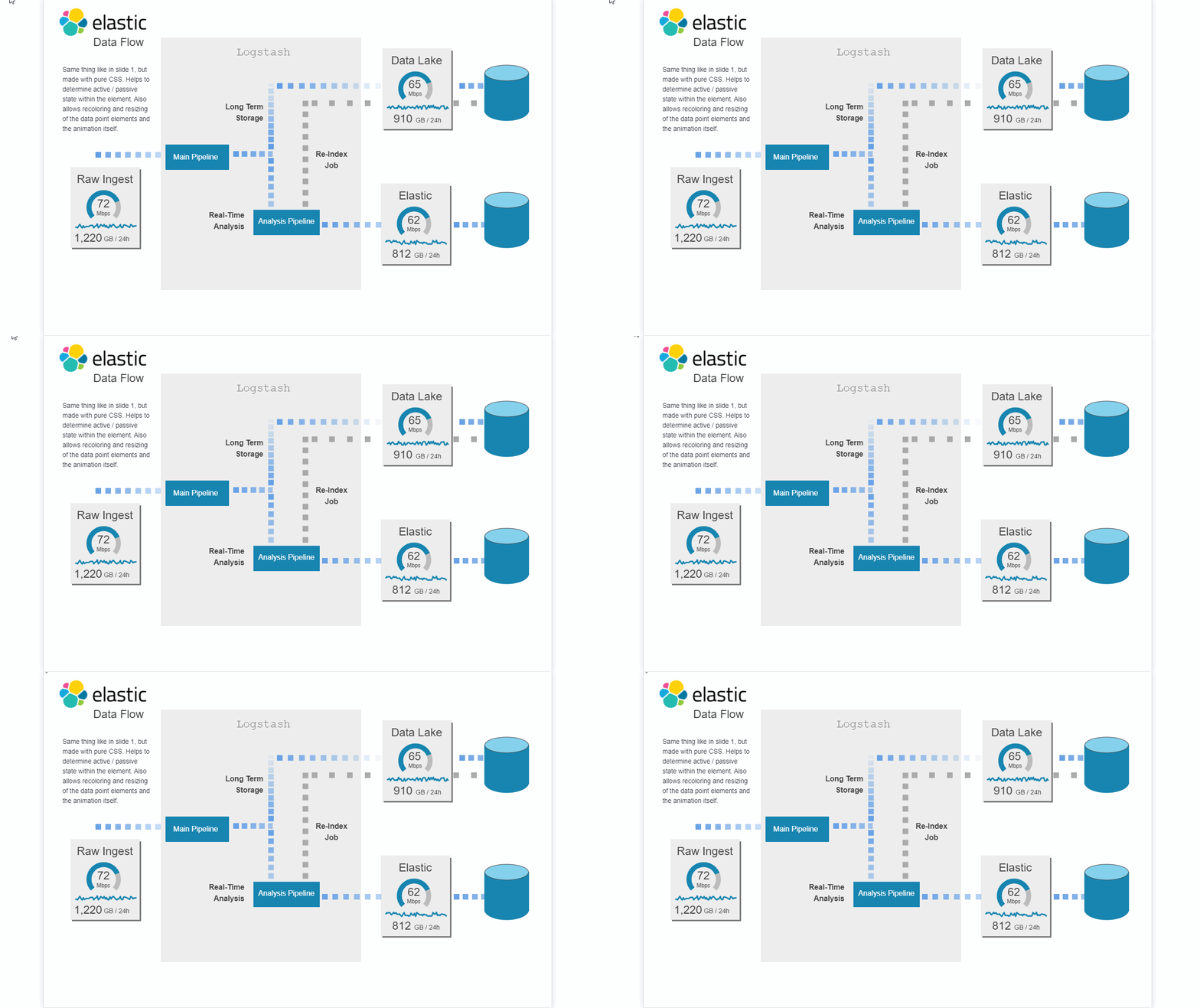
This canvas examples shows some possibilities of how to visualize data flows. Every flow can be activated / deactivated based on your Elasticsearch data.

Google Cloud Log Ingestion dashboard

Canvas Board to analyze the log data collection of Google Cloud via Dataflow using the Google Cloud Metric module data