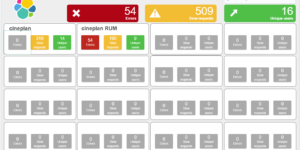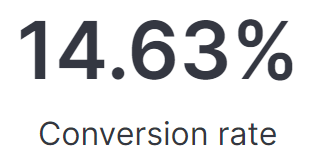
Lens Conversion Rate

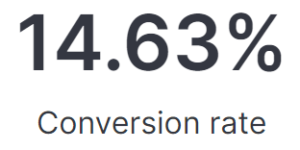
This visualization is using Lens formulas to calculate the conversion rate of any web application based on real user monitoring data. This is part of the this blog article about real user monitoring.

After uploading this visualization into your environment you need to make sure to define the pages that reflecting successful conversions. Do this by simply adapting the value in the lens formula box.

Tested versions 7.14
ECS compliant Yes

You must log in to submit a review.
Related downloads

Lens Conversion Rate

Lens conversion rate for RUM data using Lens Formulas

APM Services overview canvas

Average rating:

An adaptive turn key canvas example based on Elastic APM data.

RUM extension dashboard

This dashboard provide deeper insight into the real user monitoring data collected by Elastic RUM.

These downloads could be also interesting for you

Coffee Canvas Example

Kibana Canvas example infographic to show coffee consumption on a wallboard

Watcher History Dashboard

This dashboard shows the history of executed watcher jobs.

Threat detection Kibana dashboard

Kibana dashboard example visualizing the results of the Elastic SIEM detection engine

Data flow canvas

Average rating:

This canvas examples shows some possibilities of how to visualize data flows. Every flow can be activated / deactivated based on your Elasticsearch data.

Vega Clock UTC

This is a working clock visualization in UTC time.

AWS VPCFlow Kibana dashboard

Kibana dashboard for AWS VPCFlow log events