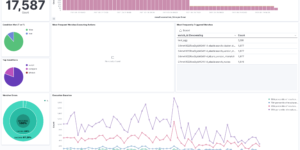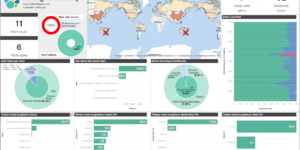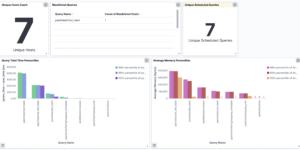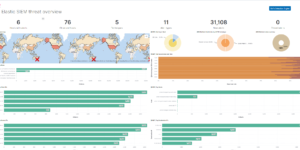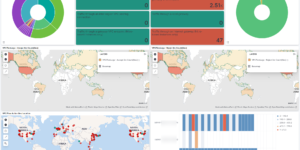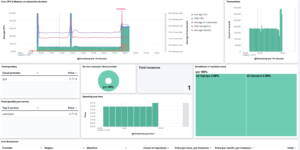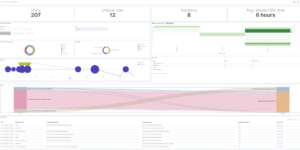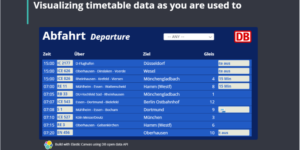
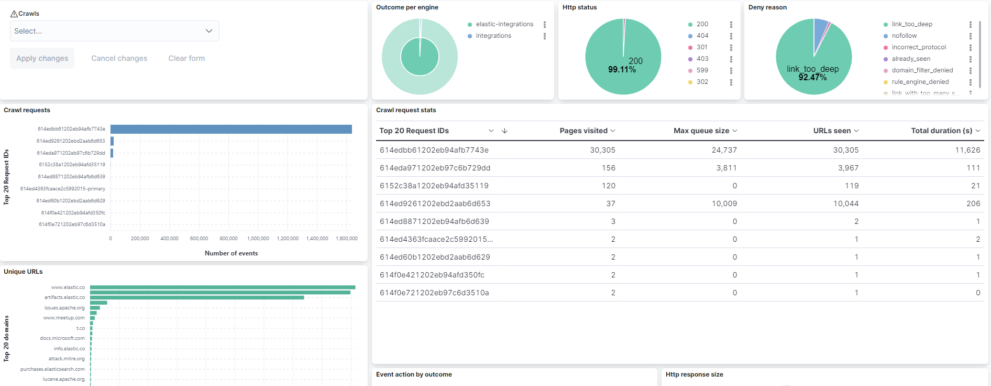
Kibana Crawler dashboard

Description

This is a Kibana dashboard that visualizes the results of the crawler from Elastic Enterprise Search. The Web Crawler of Elastic gone GA in 7.15 and can be used to index webpages into App Search. After ingesting you can easily embed a search box into your application.

The crawler job can take a while and is doing a lot of things under the hood. It is saving all the details and logs in an internal index. However Elastic allows the user to use the data for custom Kibana dashboards.

Tested versions 7.14
ECS compliant Yes

You must log in to submit a review.
Related downloads

Kibana alerting enhancement

This bundle enhances the Kibana alerting experience. Storing all relevant information in indices and visualize the data in dashboards.

Ask Me Anything Booth – Canvas Example

This is an example canvas page that shows how to visualize using canvas in general.

Elasticsearch Performance Troubleshooting Kit

Download the Elasticsearch Performance Troubleshooting Kit to efficiently diagnose and resolve slow query issues in your Elasticsearch environment.

Filebeat Suricata Canvas dashboard

A Kibana Canvas dashboard example that visualizes suricata logs collected with Filebeat.

Threat detection Kibana dashboard

Kibana dashboard example visualizing the results of the Elastic SIEM detection engine

PI Hole Logstash Pipeline and Dashboard

A filter for Logstash parsing PI-Hole logs + Dashboard to visualize the data

These downloads could be also interesting for you

PI Hole Logstash Pipeline and Dashboard

A filter for Logstash parsing PI-Hole logs + Dashboard to visualize the data

Crawler dashboard

A Kibana dashboard that visualizes the result of the crawler from Elastic Enterprise Search

Office 365 dashboards

A collection of Kibana dashboards to provide a holistic view of Microsoft Office 365 environments

Google Cloud monitoring dashboard

Dashboard to monitor GCP resources using different metrics and logs.

Data flow canvas

Average rating:

This canvas examples shows some possibilities of how to visualize data flows. Every flow can be activated / deactivated based on your Elasticsearch data.